"Sorry, something went wrong..." error with Discover

This discussion was created from comments split from:
Discover Bank Not Listed as Financial Institution
.
Comments
-
Hello,
I had issues with downloading data for my Discover bank and credit card accounts - although it had worked for a couple of weeks after I received a migration complete notification. It was so bad, I decided to deactivate the online services. Now, when I try to set them up again, everything goes well through choosing the accounts and checking the authorization box.
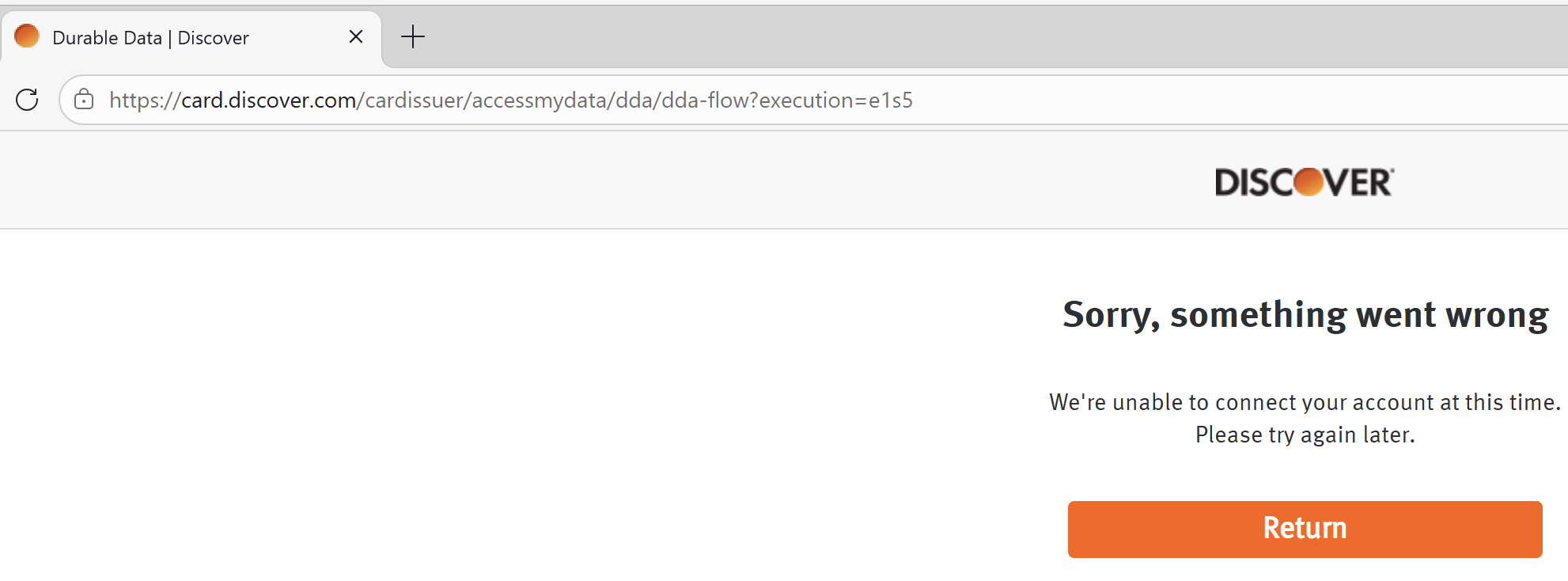
As soon as I do the final step (which sends Quicken Classic Discover's authorization and connects Discover to Quicken Classic), I get the error message (screenshot below) from the Discover website "Sorry, something went wrong. We're unable to connect your account at this time. Please try again later." This has occurred since a week ago today.
This occurred with both the credit card and banking options on Discover's website. I also tried adding a new account using "Capital One - Discover," but that option does not exist.
Further, there is an update link for Discover on the Quicken support home page (https://community.quicken.com/discussion/7970060/updated-1-26-26-discover-migration#latest), when I select "Learn More" the page it takes me to says "Permission Problem. You don't have permission to do that." So, I cannot get updates that way too.
A week ago, I sent my download issues to Quicken via the "Report a Problem" feature, but no one ever got back to me. I am all out of ideas. Can someone suggest something I can do next?
 0
0 -
Hello @theepoet,
Thank you for sharing! I can see that you already contacted Support, and they escalated the issue. Typically, the escalated team will reach out to you by email if they need more information or when they believe the issue is resolved.
Further, there is an update link for Discover on the Quicken support home page (https://community.quicken.com/discussion/7970060/updated-1-26-26-discover-migration#latest), when I select "Learn More" the page it takes me to says "Permission Problem. You don't have permission to do that." So, I cannot get updates that way too.
The Permissions Problem error message occurs because that alert was marked resolved and then archived. There are still some alerts for known issues with Discover, but none match the error message you shared.
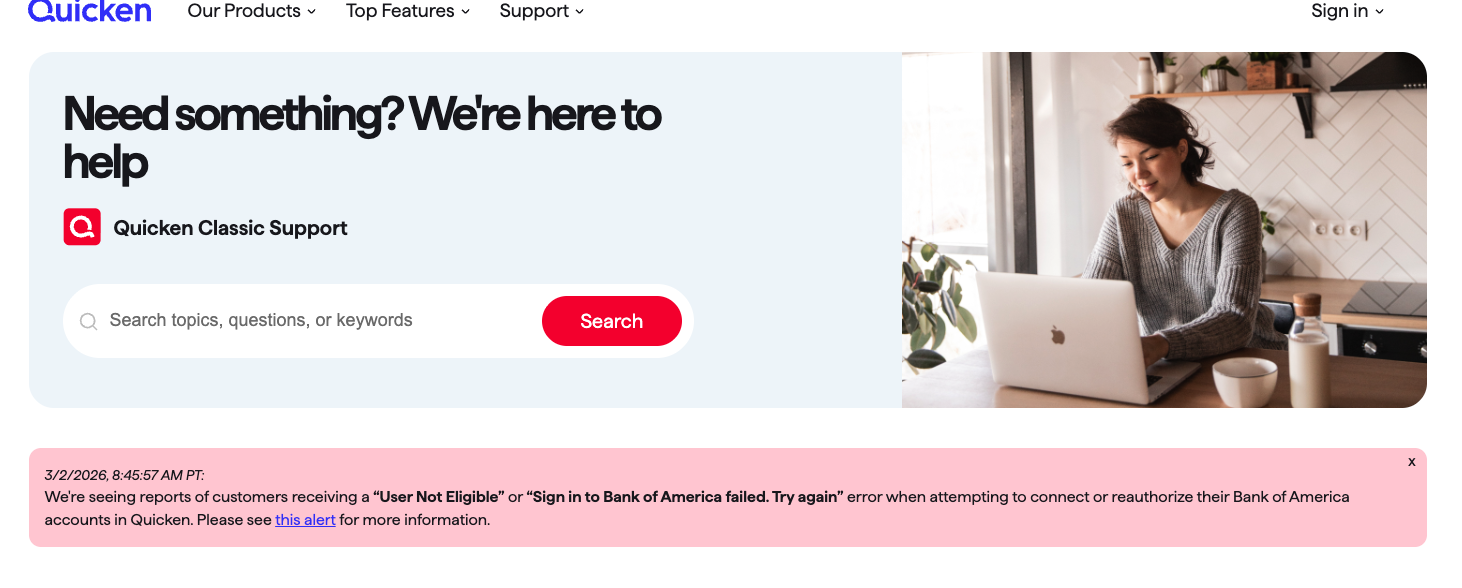
When I check our Support home page, I see a message about the Bank of America migration.
What URL (web address) are you looking at?
A week ago, I sent my download issues to Quicken via the "Report a Problem" feature, but no one ever got back to me.
You will not receive a direct response when you use the Report a Problem feature. These problem reports are reviewed daily to track multiple reports of the same trending issues and/or for troubleshooting/escalation purposes. When multiple reports of the same issue are received, those reports are also investigated further. Reports that can be replicated or verified are then submitted as tickets to the proper channels.
I hope this helps!
Quicken Kristina
Make sure to sign up for the email digest to see a round up of your top posts.
0 -
I am having the exact same issue.
1 -
I am having this exact same issue - It needs to be corrected - we cannot even research this -
0 -
Hello @ibis88 & @hopkins.m,
Thank you for letting me know you're seeing the same issue. To help troubleshoot, please provide more information:
- When did you first notice this issue?
- Was it working when you first reauthorized the account(s)?
- Which browser are you using?
- Have you tried using an alternate browser? If so, which one(s)?
- Do you use a VPN?
- Which connection option are you using (Discover Card, Capital One 360, etc.)?
- Have the accounts been migrated to Capital One?
- If they have been, have you set up Capital One credentials, and can you view the accounts through Capital One's website?
I look forward to your response!
Quicken Kristina
Make sure to sign up for the email digest to see a round up of your top posts.
0 -
I asked Discover BANKING (not Credit card) today and got the following response:
From Discover Customer Service Date Received: 03/14/2026 02:05 PMDear ********,
Thank you for your being a valued Discover customer. I understand your concern regarding being able to import your transactions using the Quicken or QuickBooks software.
Unfortunately, Quicken and QuickBooks software is no longer supported. I apologize for any inconvenience this causes.
You are able to access your transactions anytime through your online account center by clicking on your Activity under your account details. You are also able to download the transaction history in an Excel or CSV file.
[boilerplate removed]
Sincerely,
xxxxxxx
Discover Customer Service
0 -
Also having this issue, it needs to be fixed
0 -
Hello @Dennis Cna,
Thank you for letting us know you're encountering an issue. To help troubleshoot, please provide more information:
- When did this issue start?
- Are you encountering the issue with a Discover bank account or a credit card account?
- What is the exact error message you see?
- Which web browser do you use?
- Do you get the same result when using an alternate browser?
I look forward to your response!
Quicken Kristina
Make sure to sign up for the email digest to see a round up of your top posts.
0 -
I also am having the same issue. If it is true, as someone else has posted, that Discover Bank no longer supports Quicken, Discover will lose all my business.
[Edited - Readability]
0 -
I have been experiencing the same issue for weeks, possibly even a month. I have reported it daily to Quicken through the Report Problem feature. I have been a customer of Quicken and Discover Card/Bank for over two decades. I’m not sure who is at fault, but either way, this situation is not good for business. I have completely stopped using my Discover Card because of this issue, and I may stop using Quicken next.
0 -
Discover customer support also told me they have discontinued Quicken support. I will be moving all my accounts elsewhere.
0 -
@Quicken Kristina
The last date I see an entry from an automatic download from Discover Card is Jan 26, 2026. When I had no luck connecting, I tried to reauthorize the connection to Discover Card. The connection can no longer be reestablished. The attached screenshots are what I see in Quicken and Discover.
My account has not been migrated to Capital One. It is still Discover Card.
1 -
Hello All,
Thank you for taking the time to report this issue to the Community. We apologize for any frustration or inconvenience experienced.
This issue has been reported to our Development and Product teams for further investigation and resolution. Though we do not currently have an ETA, our teams are working with Discover to resolve the issue.
Thank you!
(CTP-16374)
Quicken Kristina
Make sure to sign up for the email digest to see a round up of your top posts.
0 -
My Discover Card and Quicken issue mirrors what "ibis88" shared on March 17.
0 -
Hello @holly70115,
Thank you for letting us know you're also encountering this issue. I added you to the ticket.
Thank you!
Quicken Kristina
Make sure to sign up for the email digest to see a round up of your top posts.
0 -
I am still unable to download transactions for my Money Market account. As of a couple of days ago, I was able to get past the "We have experienced a technical error. Please try again." message. I approve the legal document authorizing Discover to grant access to Quicken.
I then clicked on the button to "Connect Now" and received HTTP error status 400 proceeded by this:
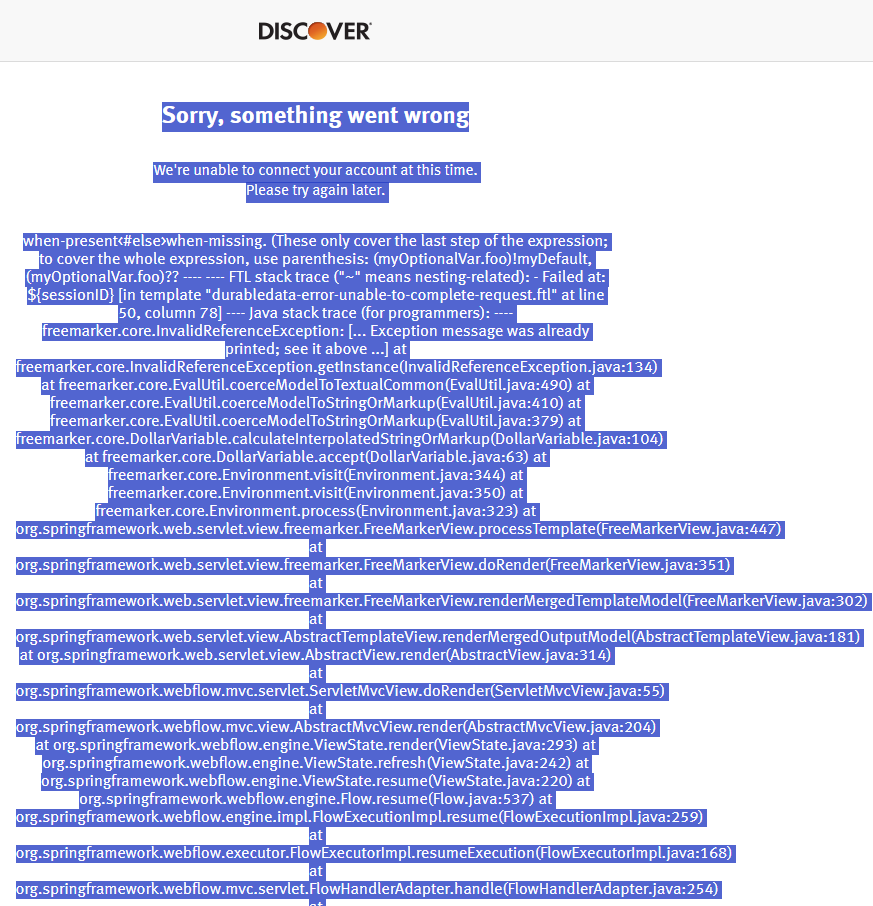
I tried to copy and paste the entire dump here, but pressing the Post Comment button below raised an alert about its content. So I included the screen print of the start of the dump message.
However, when I log into my Discover account directly, it shows that I have granted access to Quicken.
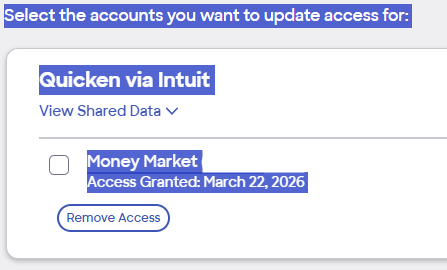
So it appears that something went wrong with the link between Discover Bank and Quicken, finalizing the connection in Quicken.
I've tried removing the authorization and going through the process, and I end up with the same result.Anyway, it looks like the initial issue with Discover has been resolved, and a new one has arisen.
Bill
[Edit - Removed Personal Information/Readability]
0 -
I neglected to mention that Quicken eventually times out when it does not get the response back that it is expecting to complete the connection.
0 -
Hello @Mr.Bill,
Thank you for letting us know you're also encountering this issue. I added you to the ticket.
Thank you!
Quicken Kristina
Make sure to sign up for the email digest to see a round up of your top posts.
0 -
Hello @30yrsQknUser & @zachrosing,
When support told you they no longer support Quicken, were they referring just to Web Connect/QFX? Did they provide you with a case number? If they did, what case number did they provide? What date/time did you contact them? We need this information so our teams can confirm with Discover if the claim that they no longer support Quicken is correct.
Thank you!
Quicken Kristina
Make sure to sign up for the email digest to see a round up of your top posts.
0 -
This happened when a opened a new discover account and can no longer update my discover card and a second discover savings account.
I disabled them in quicken and now cannot reconnect. I keep getting message below.
We're unable to connect your account at this time. Please try again later.
I have updated my online quicken, restarted my computer, and cleared cache….this has been going on for several weeks and Discover offers no help
0 -
I am experiencing the exact same issue. I was informed that i needed to reauthorize my accounts, like I have in the past. Signed in to Discover via Quicken, it sent me my 2 factor authentication code, it logged me in, it had me choose all of my accounts, and on the final page, I got "We're unable to connect your accounts at this time. Please try again late." It's been this way for 4 or more weeks. I contacted Discover and they said it's a Quicken issue and reach out to Quicken. I deactivated all of my Discover accounts, which there were a few, and tried to set them back up. Even though I deactivated them, it still wants me to reauthorize, and I get stuck in the same loop as described earlier in this post. I rely on this heavily so this is a huge inconvenience.
1 -
I also am experiencing the exact same issue. I was informed that i needed to reauthorize my accounts, like I have in the past. Signed in to Discover via Quicken, it sent me my 2 factor authentication code, it logged me in, it had me choose all of my accounts, and on the final page, I got "We're unable to connect your accounts at this time. Please try again late." It's been this way for 4 or more weeks. I can log into my discover card web portal fine. Any thoughts?
2 -
Hello @deern, @MDBJR, and @Marco_M,
Thank you for letting us know that you're also seeing this issue. If you haven't already done so, I recommend contacting Discover directly for assistance. If they are unable to assist, please let me know, and I can add you to the ticket on our end.
Thank you!
Quicken Kristina
Make sure to sign up for the email digest to see a round up of your top posts.
0 -
Same issue here . Everything is great with reauth till the last step goes to "Sorry, something went wrong etc"
0 -
I am having the same issue EXCEPT I have received confirmation from Discover that my accounts are connected, It is Quicken that is not recognizing it
0 -
Hello All,
Thank you all for your continued updates and for sharing your experiences.
Our teams continue to actively working with Discover toward a resolution, though we do not have an ETA on resolution available at this time.
If you have not already done so, we recommend submitting your logs via Help > Report a Problem and including a brief description of what you’re experiencing. This allows us to attach your case to the ongoing investigation and provides additional data to assist our teams.
We appreciate your patience while this is being worked on!
(CTP-16374)-Quicken Anja
Make sure to sign up for the email digest to see a round up of your top posts.0





