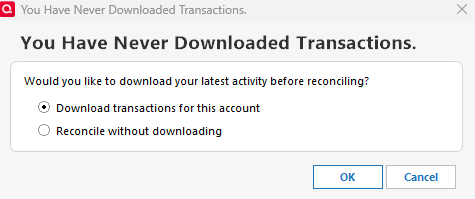
Eliminate download transactions question box when reconciling

Comments
-
When I reconcile my Amazon account, I get the reconcile dialog, not what you're showing.
So, Please do TOOLS, Account List … and tell us what's in the "Transaction Download", and "Last Download" columns across from your account. I've shown those columns for my Amazon card.

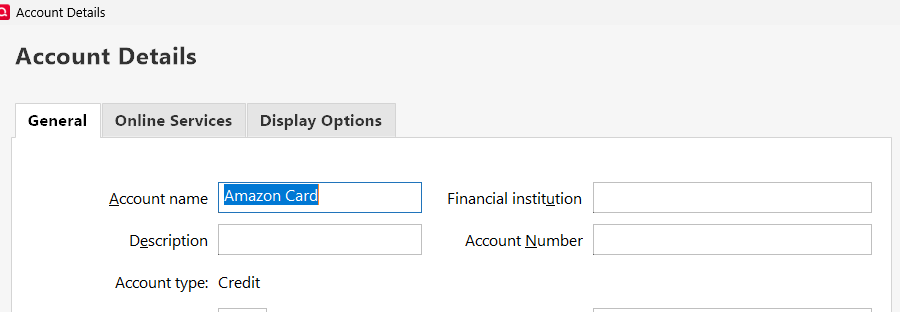
Also, Please click EDIT and show us the top of the Account Details dialog.
Lastly, what Q product are you running and what RELEASE of that product? This info is at HELP, About Quicken.
Q user since February, 1990. DOS Version 4
Now running Quicken Windows Subscription, Business & Personal
Retired "Certified Information Systems Auditor" & Bank Audit VP0 -
Hello @rbsorensen,
We haven't heard back from you in a while. Do you still need assistance?
If so, could you please provide the answers to @NotACPA's questions?Check back and let us know! Thank you.
-Quicken Anja
Make sure to sign up for the email digest to see a round up of your top posts.0 -
Hello again,
Checking in once more before this thread is closed.
Let us know if you still need assistance.Thank you!
-Quicken Anja
Make sure to sign up for the email digest to see a round up of your top posts.0

