Why did QUICKEN remove the transfer tab from the online center?

Prior to last update, I was able to transfer funds between my checking and savings account form the online tab with one step. Now I have two additional steps to take for this action. Instead of making easier and convenient, QICKEN made difficult and time consuming.
Answers
-
Hello @Big Mo,
Thanks for the details—this is usually tied to the connection method or how the account is currently set up, but I want to make sure we’re looking at the same thing on your end.
Could you share a couple of screenshots for clarification?
- A screenshot showing where you used to see the Transfer tab in the Online Center
- A screenshot of what you’re seeing now when you try to perform the transfer (the current steps you’re using)
If needed, please refer to this Community FAQ for instructions on how to attach a screenshot. Alternatively, you can also drag and drop screenshots to your response if you are not given the option to add attachments.
Additionally, can you also please confirm the following:
- The financial institution name
- The connection method shown in Tools > Account List > Edit > Account Details > Online Services (Direct Connect, Express Web Connect, or Express Web Connect+)
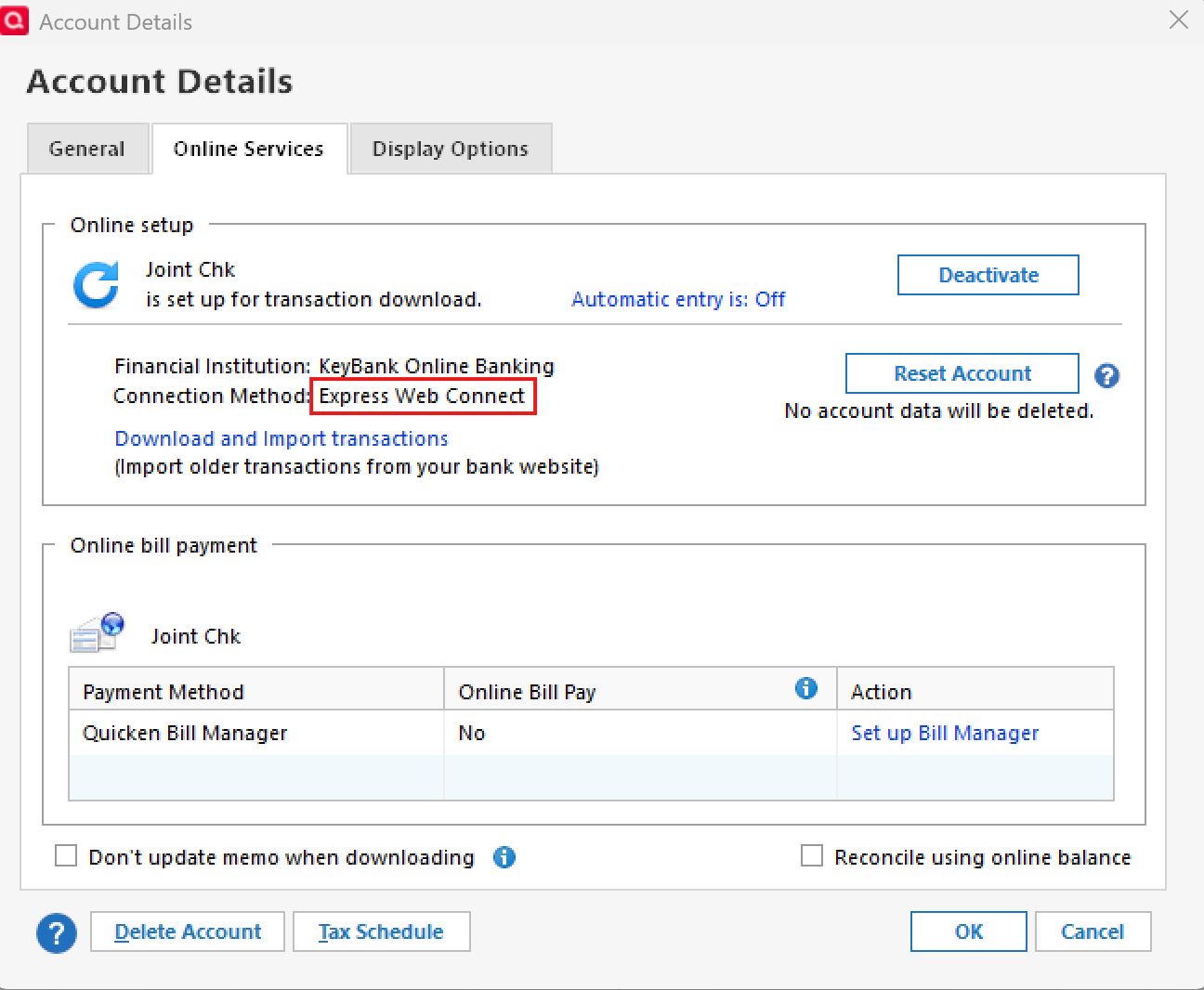
Check back and let us know! Thank you.
-Quicken Anja
Make sure to sign up for the email digest to see a round up of your top posts.0 -
Hello @Chuck56,
We appreciate you chiming in and confirming that you're still seeing the option.
Thank you!
-Quicken Anja
Make sure to sign up for the email digest to see a round up of your top posts.0
