Contacts import

Does anyone know the csv column order or structure for importing a csv? I have tried everything and even matched all contact fields. Fails every time. No help articles on this…
Answers
-
Hello @sauerbrunndaa,
Thanks for reaching out!
Before I can further assist you, I need a bit of clarification. Are you attempting to import a CSV file into Quicken LifeHub or Quicken for Windows?
Let me know!
-Quicken Jasmine
Make sure to sign up for the email digest to see a round-up of your top posts.
0 -
Hey Jasmine! Thanks for responding. I am looking to import all my Estate planning contacts into LifeHub. I have all this info on a spreadsheet (ie Name, Address, Email etc) and saw LifeHub lets you import contacts via CSV. I just kept seeing the upload fail when I added the csv file to LifeHub.
0 -
Thanks for providing more information.
Are you receiving any specific error codes or messages?
If so, could you please provide a screenshot of the error message you described receiving? If needed, please refer to this Community FAQ for instructions on how to attach a screenshot. Alternatively, you can also drag and drop screenshots to your response if you are not given the option to add attachments. Please remember to redact any personal information as needed.
Let me know!
-Quicken Jasmine
Make sure to sign up for the email digest to see a round-up of your top posts.
0 -
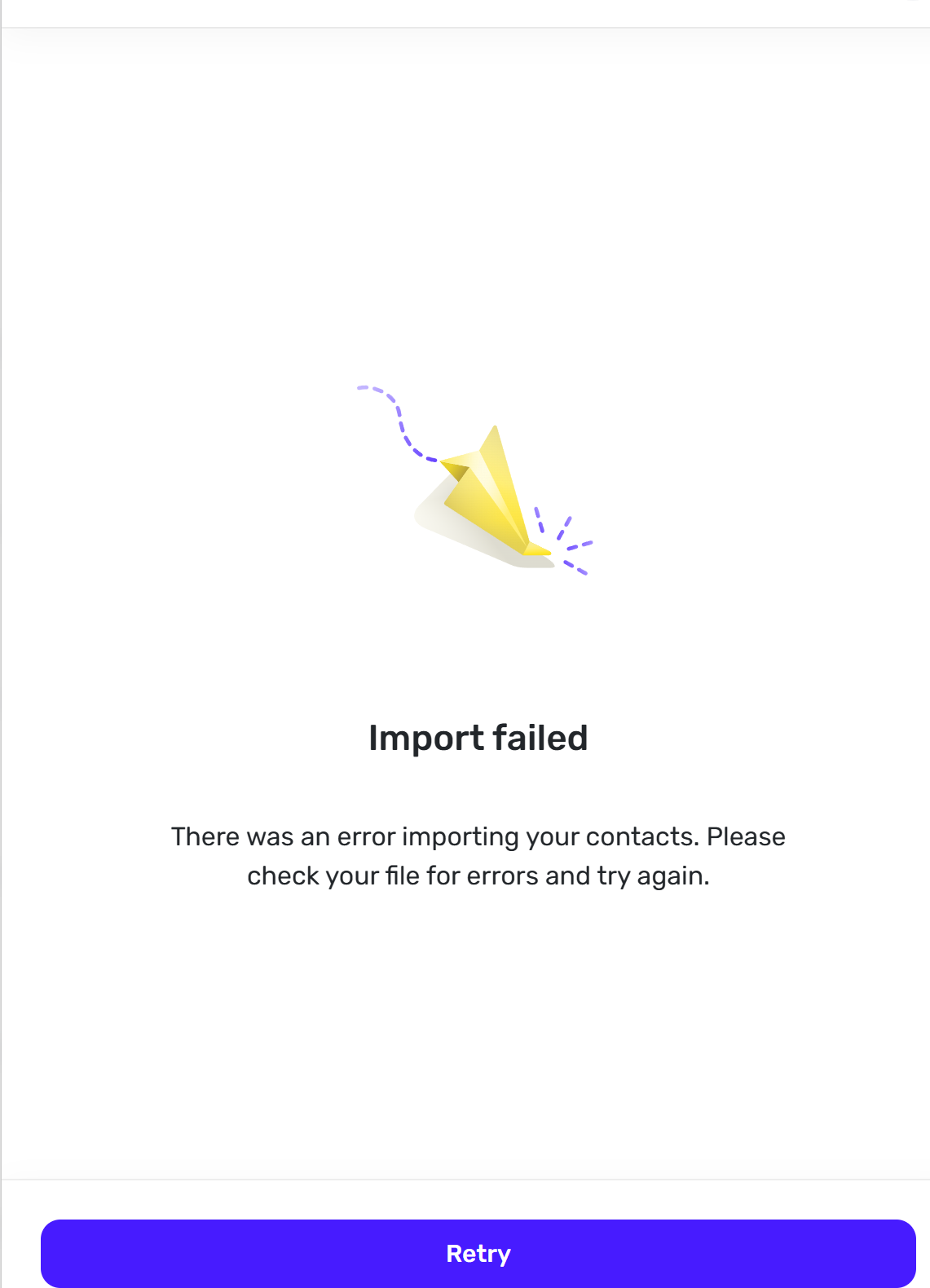
This is all that shows. No specific Error Codes. I cannot be the only one getting this error. I use a csv and have tried many different column structures. Jasmine, if your team knows the right template to use Column A = First Name, Column B = Last etc… can you share that?
 0
0 -
Has this been reviewed at all?
0 -
Thank you for your reply,
Unlike phone support and chat support, the Quicken Community is mostly users helping users, with a few moderators, like myself, who can help troubleshoot an issue. It is not real time support, but we do try to respond within a day or sooner, if possible.
Is the CSV that you're trying to import one that was generated by Google, Outlook, or iCloud? If it is, then you should be able to export the CSV and import it into Quicken LifeHub without making any edits.
If it is not, then please provide more information where the CSV was generated.
Thank you!
Quicken Kristina
Make sure to sign up for the email digest to see a round up of your top posts.
0 -
Thanks Kristina! I understand. The csv i created in excel and not from Google Outlook or iCloud.
0 -
Thank you for your reply,
That may be the problem. Quicken LifeHub is designed to import CSV files for Contacts generated by Google, Outlook or iCloud. Do you have your contacts stored with any of those services?
Thank you!
Quicken Kristina
Make sure to sign up for the email digest to see a round up of your top posts.
0


Categories
- All Categories
- 52 Product Ideas
- 35 Announcements
- 237 Alerts, Online Banking & Known Product Issues
- 20 Product Alerts
- 507 Welcome to the Community!
- 676 Before you Buy
- 1.4K Product Ideas
- 55.1K Quicken Classic for Windows
- 16.7K Quicken Classic for Mac
- 1K Quicken Mobile
- 828 Quicken on the Web
- 122 Quicken LifeHub