Fidelity Connectivity

Kim Roffman
Kim Roffman Quicken Windows Subscription Member

Has connectivity with Fidelity been suspended? Things have recently gone from bad to worse in that Quicken can't even seem to connect to Fidelity at this point. I have tried multiple times to disconnect and reactivate my Fidelity accounts to download transactions, and it goes nowhere. I get as far as authorizing the Fidelity account for Quicken access while logged into Fidelity, then Quicken can't make the connection for the update.


Comments

  • Quicken Anja
    Quicken Anja Moderator mod

    Hello @Kim Roffman,

    Thanks for reaching out!

    Connectivity with Fidelity has not been suspended, but to narrow down exactly what you’re seeing, we'll need some additional information as checking your account internally does not show any errors.

    When the connection fails in Quicken, are you receiving a specific error message or error code? If so, please let us know what it says and, if possible, share a screenshot of the message.

    If needed, please refer to this Community FAQ for instructions on how to attach a screenshot. Alternatively, you can also drag and drop screenshots to your response if you are not given the option to add attachments.

    Additionally, please provide the following details:

    • Where is your Quicken data file stored? Is it on your local hard drive (C: Drive) or a cloud-based/external drive (e.g.: OneDrive, DropBox, USB, etc.)?
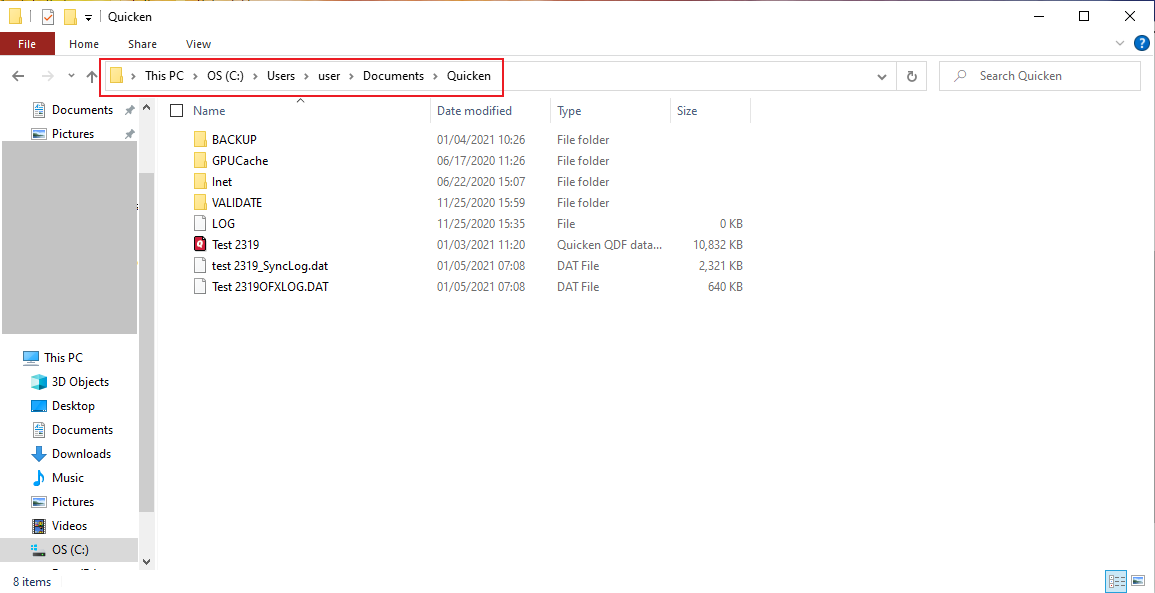
      • Please provide the exact file path as shown in the example below. image.png
    • Are you using a VPN while updating your accounts? If so, does disabling it make any difference?
    • Do you have any antivirus or malware protection software running that may be interfering with Quicken? If so, have you tried temporarily disabling it to see if the issue persists?
    • When did this issue first start occurring?
    • Were there any significant changes to your system or software before the issue began (updates, new installations, etc.)?

    Once we have that, we can advise on the next best steps.

    Thank you!

    -Quicken Anja
    Make sure to sign up for the email digest to see a round up of your top posts.

  • Kim Roffman
    Kim Roffman Quicken Windows Subscription Member

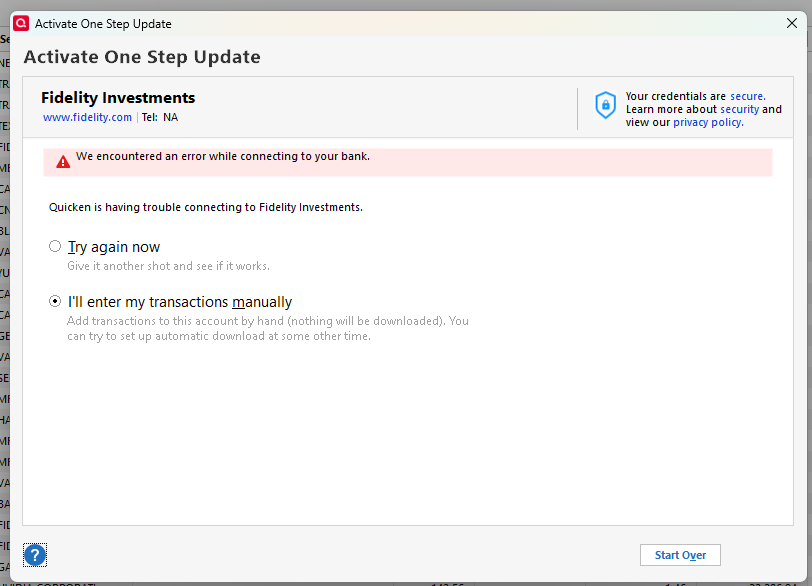
    Here is the message I get in Quicken when attempting to establish online services with Fidelity for this account:

    Screenshot 2026-01-09 123335.png

    My Fidelity account has not changed. The account number is the same. I have successfully downloaded transactions for this account for years. Problems started last November when the interface between Quicken and Fidelity changed. These problems involved downloading duplicate transactions and failing to download transactions at all. It started working again in December and I was able to get the account caught up. Then on 12/30/25 it stopped working completely. I deactivated online services based on the prompts in Quicken and have tried to re-establish over and over again. The above screen is now as far as I get after logging into Fidelity and authorizing access to the account for Quicken.

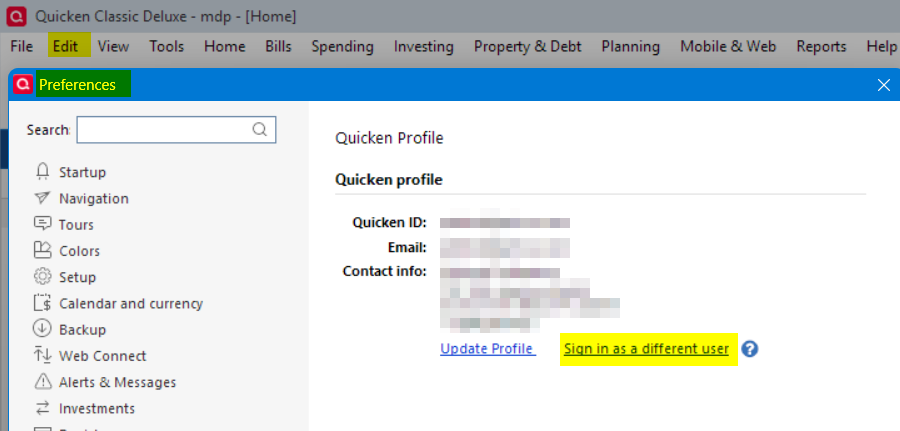
    My Quicken file is on the one drive:

    Screenshot 2026-01-09 123932.png

    I have seen postings about many issues with Fidelity since the interface changed, but this is much worse now that I can't even establish a link. Nothing else has changed on my end. Same computer, same software, etc. I do not use a VPN. Appreciate any assistance.