Can't Import TurboTax Deluxe 2025 into Quicken Deluxe R65.29

Quicken Deluxe R65.29 reports "TurboTax Import Failed! (Error 2). See post from 2024 for the same error. I've already reported this to the Quicken Phone Support team and referenced the CTP number from the post below.
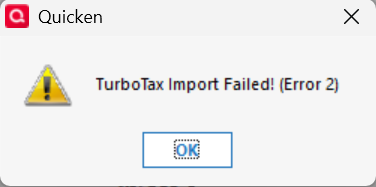
The file name I tried to import was C:\2025.tax2025. It doesn't get much shorter than that.
[Edited - Enabled Link]
Comments
-
Hello @cyberphile,
Thank you for letting us know you're encountering this issue. I checked on the ticket from that previous discussion you linked, and I can see that ticket was marked resolved. I checked to see if there are any open tickets for the issue and did not find any.
I reviewed your interaction with Support to confirm what troubleshooting has been done.
So that I can get this issue forwarded to the proper channels for further investigation and resolution, as you offered on your call with Support, please replicate the issue in a new file, then navigate to Help>Report a Problem and send a problem report with log files attached to assist with the investigation.
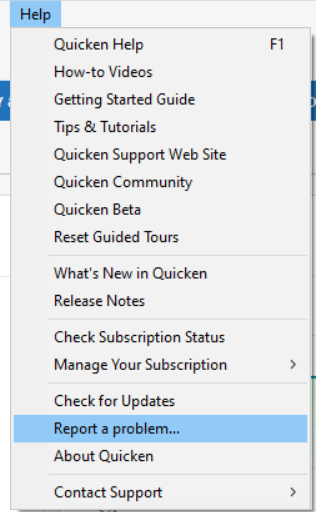
Please post to this discussion to let me know when the problem report is sent.
Thank you!
(CTP-16319)
Quicken Kristina
Make sure to sign up for the email digest to see a round up of your top posts.
0 -
We seem to get Error 2 when importing TurboTax files every year. Something changes in every year's TurboTax file that causes Quicken to reject it. In past years, it has taken until June or July before Quicken is fixed so it can import the previous year's file.
Error 5 is a problem with the file name. If you get that error, make a copy of the TurboTax file with a different name or copy it to another directory before importing. It appears that the problem is that when TurboTax saves the file, it creates another copy with a tilde in front of the name and this confuses Quicken's import.
QWin Premier subscription1 -
Hello Kristina,
I have just uploaded a Problem Report as you requested from a clean install of Quicken R65.29 in a virtual Windows 11 machine.
1 -
Thank you for your reply,
Thank you for sending the problem report. It will help our teams investigate the issue!
Quicken Kristina
Make sure to sign up for the email digest to see a round up of your top posts.
0 -
I have the same situation trying to import TurboTax file into Quicken Premier, Receiving error 2. I have also shortened the file name to 2025.tax2025 and it did not help
0 -
Hello @MGB,
Thank you for letting us know that you're also encountering this issue and for sending a problem report. I added you to the ticket.
Thank you!
Quicken Kristina
Make sure to sign up for the email digest to see a round up of your top posts.
0 -
Hello @cyberphile & @MGB,
To help investigate the issue, our team is asking you to please send a copy of your tax export file.
Thank you!
Quicken Kristina
Make sure to sign up for the email digest to see a round up of your top posts.
0 -
I'm not sure what you mean by a "tax export file." My issue is importing the TurboTax .tax2025 file into Quicken and not the other way around.
That said, I have created a basically empty TurboTax .tax2025 file and tested importing it into an new, test Quicken data file. This is for security reasons. I still get the same import error with Quicken R66.23.
Please advise as to how you wish me to send the test .tax2025 file. I can send the new, test Quicken datafile if desired.
0 -
Thank you for your reply,
If you can, sending it via a problem report would be ideal. If it doesn't allow that type of file, let me know, and I can send you a secure link to upload the attachment.
Thank you!
Quicken Kristina
Make sure to sign up for the email digest to see a round up of your top posts.
0 -
@Quicken Kristina To be clear, this issue is not about exporting Quicken data to TurboTax, it is with Quicken reading and importing a user's 2025 TurboTax (whatever.TAX2025) file so that the data can be used by the Tax Planner.
If you try to import your .TAX2025 file from the working Turbotax directory, you get Error 5. As discussed above, there is a file name conflict with if the file is in that directory. This is a longstanding error that has never been addressed.
If you make a copy of the file with a different name or copy it to another directory, you get Error 2. This error comes up every year and requires some change to Quicken to allow it to accept the previous year's TurboTax data.
QWin Premier subscription1 -
I created a very simple TurboTax file for a person whose only income is $100,000 of salary, with no deductions, and tried to import it into a Quicken test file and it gets an Error 2. I have sent that via Report a Problem.
Note I had to change the extension from .TAX2025 to .TXT in order to send it.
If the TurboTax file does not come through, send me a link and I will send it that way.
QWin Premier subscription1 -
Quicken Kristina
Make sure to sign up for the email digest to see a round up of your top posts.
0 -
I just uploaded my test files as part of a Problem Report and I also had to add a .txt extension to upload them.
1 -
Thank you for sending the problem report!
It will help our teams investigate the issue.
Quicken Kristina
Make sure to sign up for the email digest to see a round up of your top posts.
0 -
I also have the same situation trying to import TurboTax file into Quicken Premier, Receiving error 2 in a local drive regardless of original .tax2025 filename or a shortened file name.
0 -
Hello @eknutson,
Thank you for letting us know you're also seeing this issue. If you would like to contribute to the investigation, please send a problem report (see my earlier post for instructions) and include a copy of your tax export file (save it as a text file to attach).
Thank you!
Quicken Kristina
Make sure to sign up for the email digest to see a round up of your top posts.
0 -
This problem has been around for years. Probably as far back as 2019 or 2020 or maybe earlier.
Quicken Windows Premier (Subscription) - Using the latest version -Windows 11 Pro
2 -
agreed, happens every year and eventually quicken figures it out down the road, would be great if quicken actually addressed it before everyone has to complain about it for months.
0 -
Wow its fixed, New update today fixed it and it imported without a hitch
1 -
It's not quite fixed yet. This path to the TurboTax file does not work: "C:\Users\cyber\Documents\TurboTax\2025 Gottloeb J Form 1040 Individual Tax Return.tax2025". It returns:
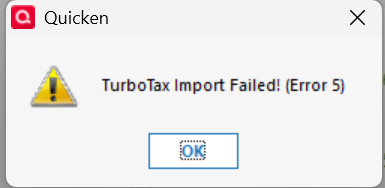
This path does work: "C:\Users\cyber\Documents\TurboTax\2025.tax2025". Also, changing the blanks in the first filename to dashes also works.
The first is the default filename created by TurboTax and should be supported. It is the 21st century after all.
0 -
When you save a file in TurboTax, it leaves behind another
hiddenfile with the same name but beginning with a tilde (~) This is apparently what causes the Error 5 when you try to import the main TurboTax file. [edit - the file is not hidden]If you simply copy the TurboTax file and give it a different name before importing, I think it will import ok. Copying the TTax file to another directory and importing from there will also prevent the conflict with the tilde version of the file.
I think you will find that that lets the import succeed..
Mods, please note that I have reported this problem along with an explanation of the root cause several times starting in August of 2021 but it was never addressed.
It has been broken since at least 2017.
QWin Premier subscription0 -
There was a file with a tilde at the beginning of another file with an otherwise same name. Removing the one with the tilde did allow the intended file to be imported. The question is "Why would Quicken try to act on a different filename?". If there was a file that began with a dash, would that have been a problem?
If tilde is intended to indicate a "hidden" file, changing the file viewing options to "hide hidden files, folders, or drives" did not hide the file beginning with the tilde. There still seems to be some issue with the file i/o library used by Quicken, especially given the format of the error message (seems to be from the DOS days).
Edit: According to the TurboTax forum, the tilde files are backup copies that are kept in case of crashes and for use by TurboTax in case the primary file is not usable. https://ttlc.intuit.com/community/taxes/discussion/turbotax-tilde-file-disappeared/00/2524720
They are not hidden files. Quicken should be able to ignore them.
0 -
yes i just copied the file to the desktop and imported it from there. worked perfectly
0 -
@mgb That probably avoids the tilde file name issue in the same directory.
0 -
Thank you for the follow-up,
I'm glad to hear that copying the file to the desktop, then importing worked! Hopefully that information will help others encountering the same problem.
Thank you!
Quicken Kristina
Make sure to sign up for the email digest to see a round up of your top posts.
0 -
Hello All,
Thanks again for all your testing and updates so far! Our team is re-investigating the Error 5 scenario. To help us reproduce the issue and work with TurboTax to address the root cause, we need a copy of the TurboTax file.
Please submit the file via Help > Report a Problem in Quicken, then:
- Uncheck all the log files so only your attachments are sent.
- Click Add Additional Files and attach the TurboTax file.
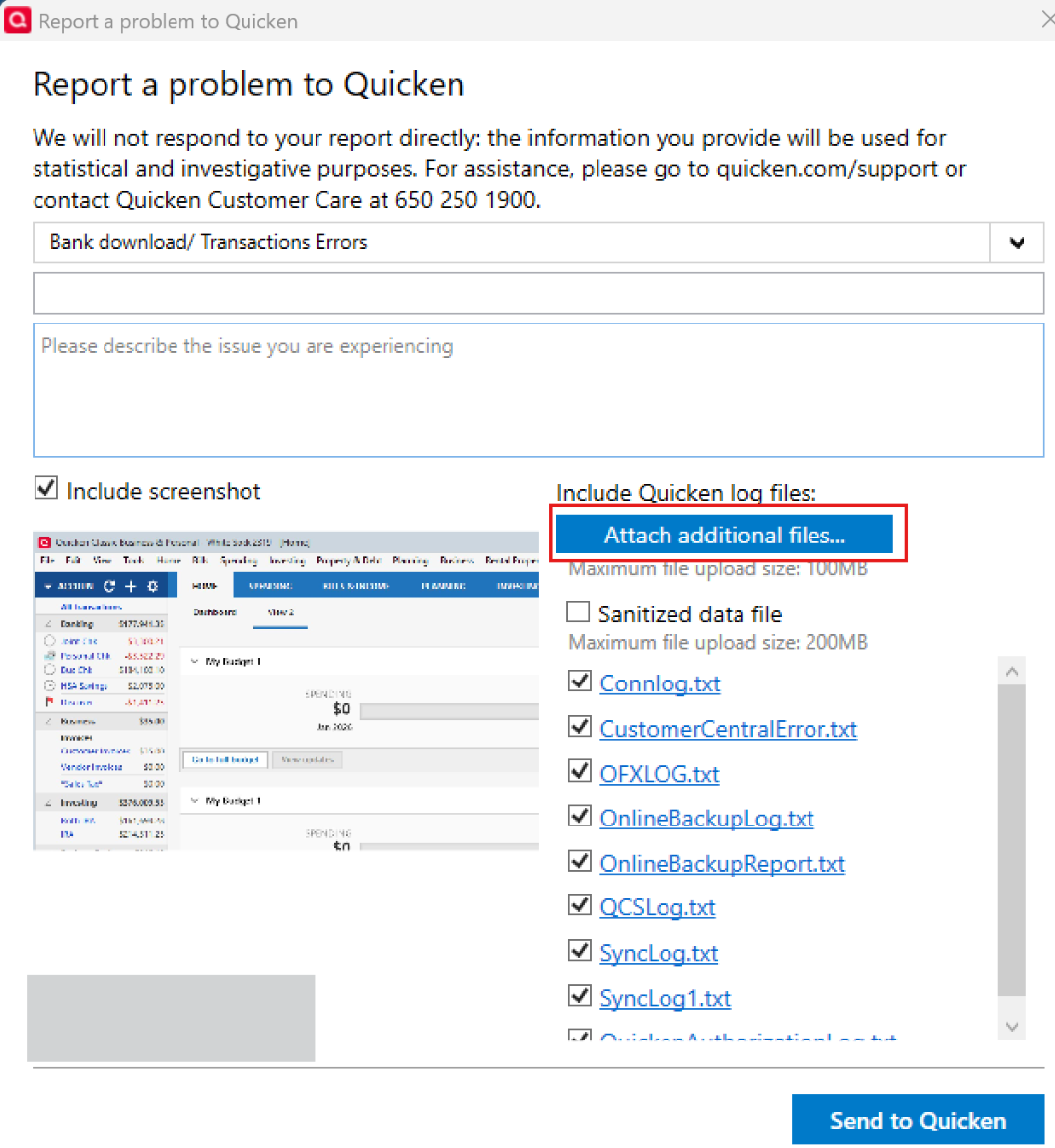
Please let us know once you have done so.
Thank you!
-Quicken Anja
Make sure to sign up for the email digest to see a round up of your top posts.0 -
Hello @cyberphile, @MGB, @Jim_Harman, @jl747, & @eknutson,
The error 2 issue has been marked resolved.
If anyone encounters error 5, please navigate to Help>Report a Problem and submit a problem report with log files attached.
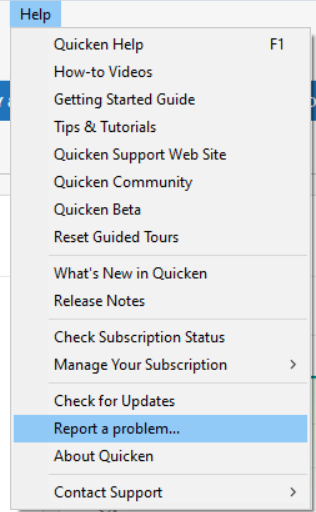
If you send a problem report, please post to let us know.
Thank you!
Quicken Kristina
Make sure to sign up for the email digest to see a round up of your top posts.
0 -
I just tried shortening the name of the TT file and it worked.
the original name was "2025 ANDERSON J Form 1040 Individual Tax Return.tax2025". The name that worked was "2025 ANDERSON J.tax2025"
0 -
I just tried shortening the name of the TT file and it worked.
Any change to the TurboTax file name will resolve the Error 2 issue, including copying the file to another directory.
The problem is that TurboTax creates a backup file that has the same name as the real file but begins with a tilde (~). This confuses Quicken and causes Error 2.
It is a relatively simple workaround but I would not call the issue "resolved." Quicken should ignore the file that begins with the tilde.
QWin Premier subscription0




