Update on Issue with connecting PayPal Credit Card Accounts

This issue appears to be ongoing. The problem specifically appears to be in the DISCOVER_AND_ADD_ACCOUNTS transaction where after specifying the MFA authentication code, it returns a completed transaction but a value of FALSE for isProcessing. We see this as a CC-501. I realize that there is a general issue on CC-501 errors but I wonder if this might not be different. Specifically, the Paypal Credit Card is maintained by Synchrony. However, Paypal has a virtual front end interface which must be accessed. Apparently, one cannot access Synchrony directly to do this. It appears that Paypal is having trouble identifying the account which used to work a 6 weeks ago. Also, during this time, Paypal notified users of an upgrade to a physical card which I chose to decline. So I wonder if like a General Protection Fault, the context might be different and so should be investigated separately. I have the logs showing the transactions in question with the Quicken Server and will be happy to provide them in a DM. Thanks!
Comments
-
Hello @JohnA,
Thanks for reaching out!
Upon further review, I can see that you are internally receiving an FDP-185 (CC-585) with these accounts. This usually means that your financial institution has added a new security feature that requires your attention before your account can be updated. This could be a new verification step that needs to be completed on the financial institution's website. You can find the instructions to do so below. It is recommended to save a backup before proceeding. You can find more information and these instructions in this Support Article.
Ensure you are on the latest release for your version of Quicken:
- Select Tools menu > One Step Update.
- Click Update Now.
You can also check for an update by going to Help > Check for Updates.
Refresh your online account information:
- From your account register, select the Actions gear icon at the very top of your register (Ctrl + Shift + N).
- Select Update Now.

- Follow the on-screen instructions to complete the update.
- Repeat these steps for each financial institution experiencing this error.
Visit your financial institution's website:
- Sign in to your financial institution's website.
- Navigate to the page where you view your account information.
- When you encounter the new web page that requires your response, fill out the requested information and dismiss the screen. If you have the option to not display the page or ask you again, select that option. If you do not, the error may continue to occur.
Note: Some financial institution websites may have this new security requirement located in your inbox or message center.
I hope this helps!
-Quicken Jasmine
Make sure to sign up for the email digest to see a round-up of your top posts.
0 -
» Upon further review, I can see that you are internally receiving an FDP-185 (CC-585) with these accounts.
I do have Multi Factor authentication defined with my authenticator app which needs a 6 digit code to authenticate. I can login into the Paypal website through a web browser with no problem. This also works fine making online purchases, etc.
Are you looking at the latest mini log I sent?
Here's what I see:
When setting up the Paypal Credit card from the top level add account, the log shows an intermediate reply (REMOTE_UPDATE_IN_PROGRESS) waiting for the 6 digit code. I am prompted for the code. When this is given, the transaction completes nomally (OK status but isProcessing is false) and I get the CC-501. I don't know a way around this since it's more important to me that my Paypal account is protected with MFA than it is that Quicken works with it. I also get an email from Paypal stating that a Paypal login from an unknown device from Mountain View, CA has occurred and added to the known device list. I take it that this is Intuit/Quicken? The CC-501 error message says not to contact Paypal. Is there an alternative?
Note that Paypal requires that the Paypal Account (different than the Paypal Credit account) be registered/verified which I have done. This can be verified by logging into the Paypal site and seeing that Paypal has been given access to my accounts. Everything looks good.
If you have any more suggestions, I would be most grateful.
0 -
Thanks for providing more information.
The latest connection log with PayPal does show an FDP-185 (CC-585) error message. Please let me know how it goes after completing the instructions that I previously provided.
Looking forward to hearing the results!
-Quicken Jasmine
Make sure to sign up for the email digest to see a round-up of your top posts.
0 -
Hi, I cleared all registration/validation information etc. from Paypal, cleared the online account page and started over from scratch. I had no problem logging into the website from either Quicken or a Web browser. The only problem I had was adding the Paypal Credit Card which would not let me list the accounts.
Ensure you are on the latest release for your version of Quicken:I am on the latest R63.21 of Quicken Classic Premier
Visit your financial institution's website:- Attempted to sign in - gave username and password
- Autentication code was reqested
- Received a CC-501 error without listing any accounts.
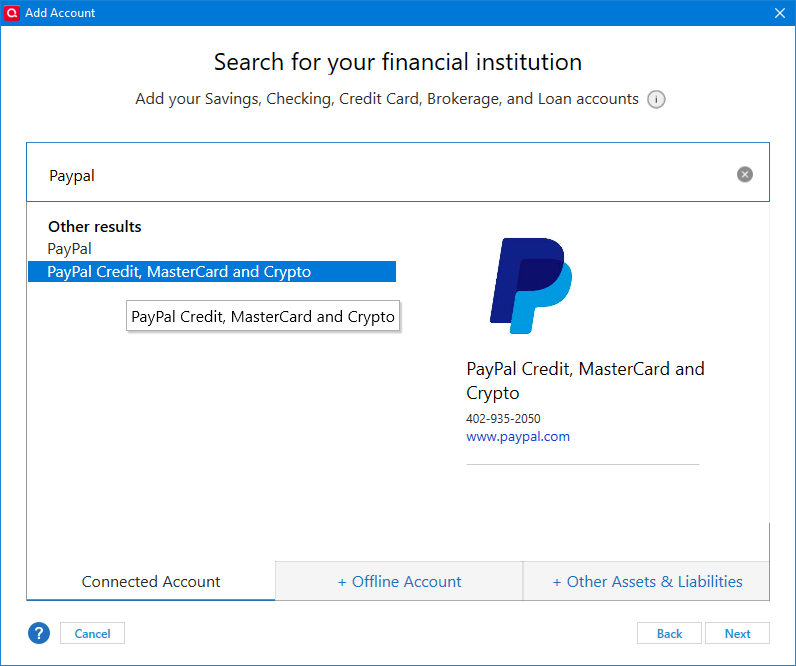
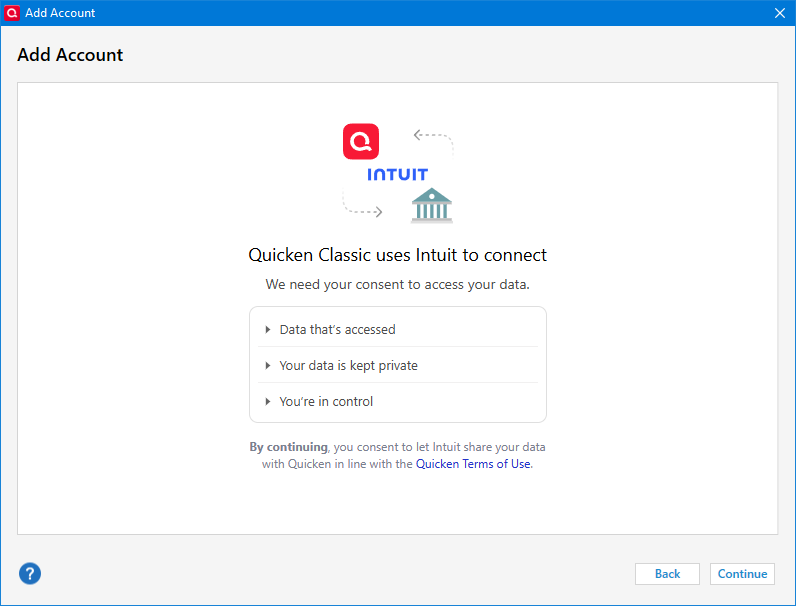
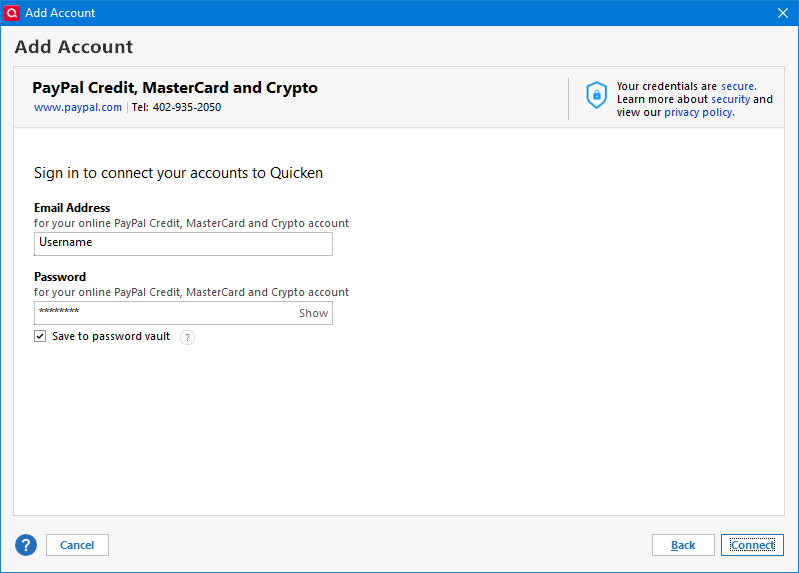
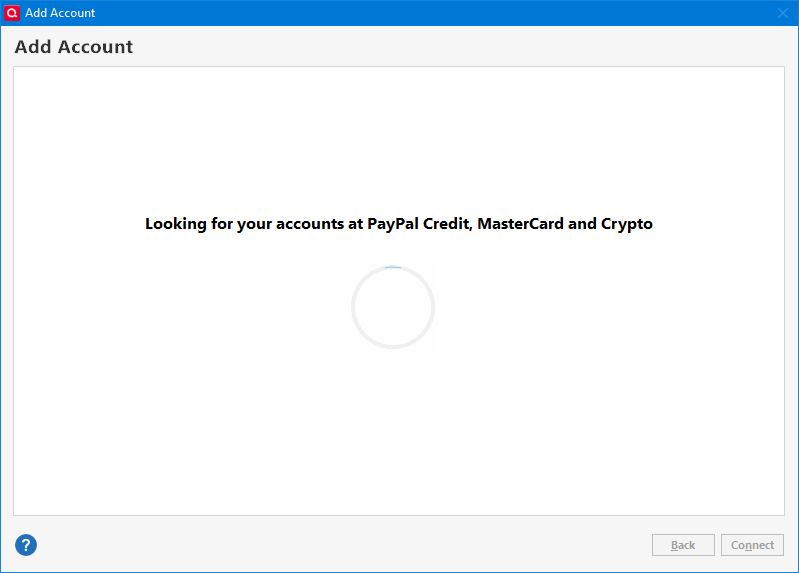
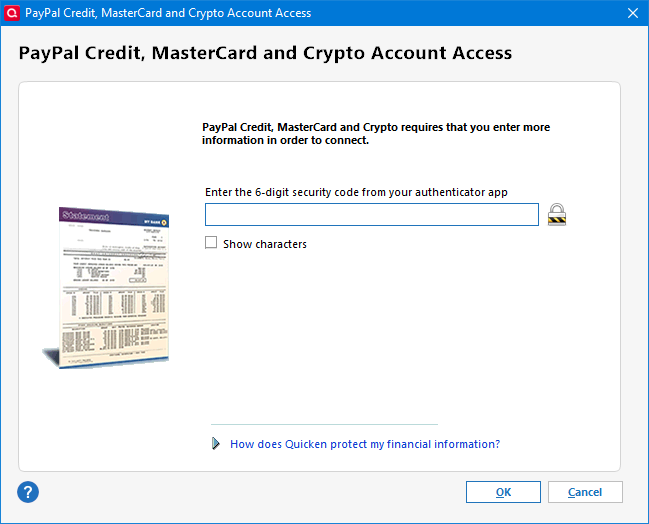
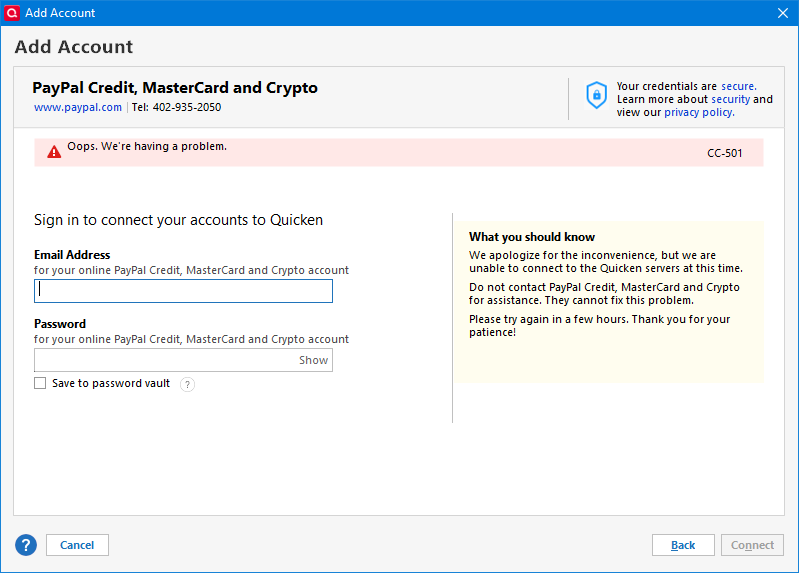
Thank you for your time, I appreciate it. If you have any more suggestions, please let me know.
0 -
Hello @JohnA,
Thank you for attempting those troubleshooting steps and for providing detailed steps and screenshots!
We do currently have an ongoing active alert for this exact error with PayPal Credit, MasterCard, and Crypto accounts. You can view the alert here which I suggest bookmarking for all further updates and new information.
It would be helpful to the investigation if you could please navigate to Help > Report a problem within your Quicken program and submit a problem report with log files and screenshots attached in order to contribute to the investigation.

It would also aid the investigation to include a sanitized file when submitting the problem report. A sanitized file is a data file that removes personally identifiable information so you can comfortably share this file with the Quicken team.
Please let me know once you have done so!
-Quicken Jasmine
Make sure to sign up for the email digest to see a round-up of your top posts.
0 -
Problem report sent.
0 -
Thank you!
-Quicken Jasmine
Make sure to sign up for the email digest to see a round-up of your top posts.
0 -
This content has been removed.
-
This content has been removed.
-
Problem appears fixed, thank you. I wonder if Quicken did something or some other pending lock on my Paypal Credit account timed out so the initial discovery was able to access the account. Just curious, if you're able to relay more information.
0 -
Thank you for the follow-up,
I'm glad to hear the issue appears to be fixed. The known issue is still being worked on, so it is possible that something our teams did while working on that issue helped to correct the issue you were encountering.
If you need further assistance, please feel free to reach out!
Quicken Kristina
Make sure to sign up for the email digest to see a round up of your top posts.
0

