Cannot Complete Billpay Identity Verification

After switching to the new bill pay system, and reconnecting my bills, I was forced to re-register my payment accounts. The first part of the verification - the txt message link, works perfectly, but after clicking the link in the txt message and filling out the required form, I keep getting a "can't complete verification" message. I've attached a screen shot of the message. Can someone direct me in the right direction as to getting this issue resolved? Thanks so much. Michael R.
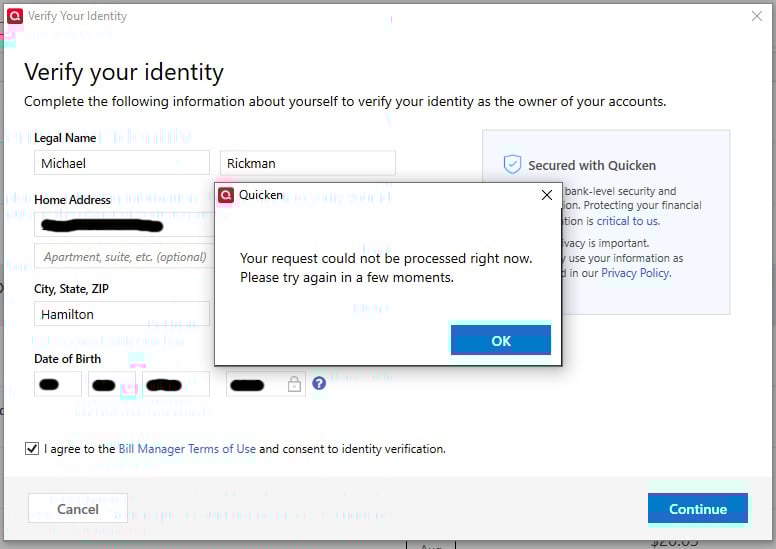
Comments
-
Hello @m.rickman513,
Thanks for reaching out!
Before we begin, I would like to know if you are still experiencing this issue? If so, could you please provide more information?
- When you say you filled out the required form, do you remember what kind of info it asked for? (Sometimes it varies slightly depending on the financial institution.)
- Are you verifying a checking account, credit card, or another type of payment account?
- Have you tried the verification process on a different device or browser, just in case it’s a compatibility hiccup?
- Did you receive any kind of confirmation email or follow-up message after submitting the form—or does it stop immediately at the error message?
- Is this happening with just one biller, or have you run into it with multiple ones?
Please let me know!
-Quicken Jasmine
Make sure to sign up for the email digest to see a round-up of your top posts.
0 -
Jasmine… this isn't happening with a biller. I can add bills without any problems. The issue I'm having is when I'm trying to set up a payment account. Here's the steps I take:
- Click "Make a Payment" on the Bills & Income page.
- I receive a pop-up window titled "Verify your identity" with general personal info, name, address, etc., along with DOB and Last 4.
- After filling this form with my info, and clicking the agreement checkbox, I immediately receive a pop-up window with the following text: Your request could not be processed right now. Please try again in a few moments.
Hope this helps!
Michael R.0 -
Thanks for providing more information; that does help!
Which financial institution are you attempting to send the payment from? Have you attempted this process with a different financial institution? If so, what was the result?
Let me know!
-Quicken Jasmine
Make sure to sign up for the email digest to see a round-up of your top posts.
0 -
Just checking in!
-Quicken Jasmine
Make sure to sign up for the email digest to see a round-up of your top posts.
0 -
Jasmine, sorry it took me so long to get back to you. The Issue happens with any institution I try to connect as a payment account. I use Discover Bank, Navy Federal CU and OneUnited Bank. Every one comes up with the same message. BTW.. I noticed after trying it the most recent time, that my address wasn't being pulled in from my Quicken account. The city and state were listed, but not my physical address. I updated my info in my Quicken account and tried it again. My address was populated correctly, but the same error still occurred.
0 -
@m.rickman513 ,
are the banks you mentioned correctly enabled as Quicken Bill Manager Payment Accounts?Check in Bills, Income & Transfers tab. Click the gear icon and select Payment Accounts.
You may want to try disabling one of them and then setting it up again.
0 -
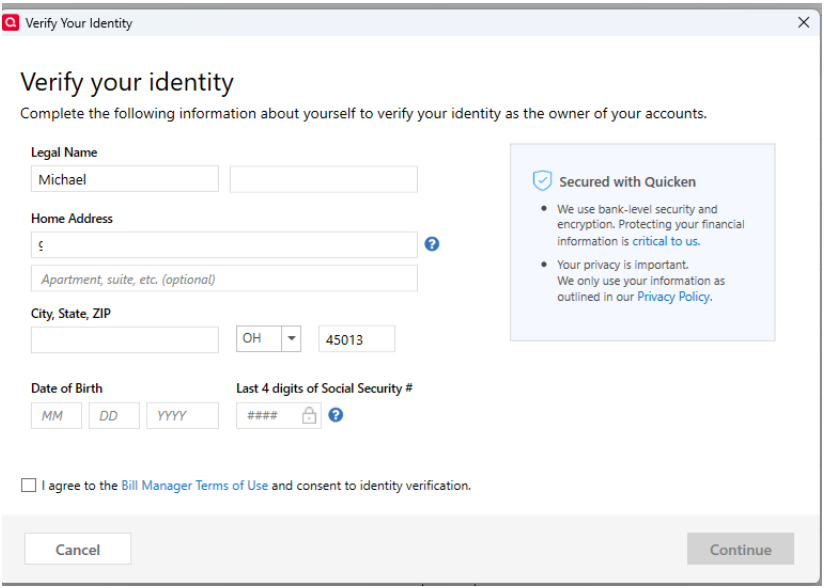
No they're not. That's the issue I'm having. I can't get through the verification process (after the mobile txt link verification). Because of this issue, I can't set up a payment account with any account or any bank. The screen shot above is where I get stopped. After filling out this screen, the following screen pops up, and therefore the account screen doesn't show to allow me to choose my payment accounts.
I even tried it with the information for a joint account holder and we get the same thing.
[Edited - Removed Personal Information]
0 -
Hello @m.rickman513,
Sorry for the delayed response. To help troubleshoot this issue, I checked our internal tools, and it looks like you're using a beta version of Quicken. If you're encountering this issue in a beta version of Quicken, then please post to the Beta section of the Community for assistance.
If you're not using a Beta version of the software, then please let me know which version you are using. You can see this information by navigating to Help>About Quicken in your Quicken program.
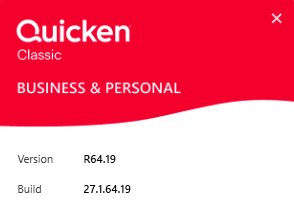
Thank you!
Quicken Kristina
Make sure to sign up for the email digest to see a round up of your top posts.
0 -
Having same problem with version R64.23 build 27.1.64.23. Quickpay accounts that worked prior to update will no longer connect because I am unable to verfy my identity.
0 -
Hello @GRB07,
Thank you for letting us know you're encountering this issue. To help troubleshoot, please provide more information. What process are you going through when this happens (adding payment account, adding biller, etc.)? At what point in the process are you getting stuck? What exact error message are you seeing? If possible, please provide a screenshot of the error message, with any personal information redacted. If needed, please refer to this Community FAQ for instructions on how to attach a screenshot. Alternatively, you can also drag and drop screenshots to your response if you are not given the option to add attachments.
I look forward to your reply!
Quicken Kristina
Make sure to sign up for the email digest to see a round up of your top posts.
0 -
I'm on R64.23, build 27.1.64.23
Same issue. I click on "QuickPay" on any biller (does not matter which) and it wants me to verify my identity. Okay, that makes sense - this is a new Bill Pay system. I click on the text it sends me, then fill out the form with name, address, birthdate, last 4 of SSN. Click submit and it displays a message that it can't process this request at this time. Please try again in a few moments.
0 -
Called support. They tried a few things that didn't work. They said it's related to this issue:
And to follow that one for resolution.
[Edit - Enabled Link]
0 -
Hello All,
This is now considered a known issue that has been escalated internally, though we do not have an ETA on resolution at this time. While the investigation remains ongoing, please refer to this Community Alert for any and all available updates and information.
Thank you!
-Quicken Anja
Make sure to sign up for the email digest to see a round up of your top posts.0 -
Same here, unable to get past the ID Verification screen, no matter how I tried to fill out the form, I copied exactly from my driver's license, no dice. All prior bill pay versions were nothing but trouble. Lost vendor contacs one by one, eventually had to pay bills on line and then update Quicken manually. Cumbersome to say the least. My message does not even say try later, Just says that it could not verify based on my info. I just got an update to 27.1.64.30 today, hoping, but no such luck. Hep , somenone please. .
0 -
fithian1:
I found out online that all this started with update 65.23 and onward. I downgraded to 65.19 and the billpay works as it did before. I was able to pass validation without any problem. Quicken has finally acknowledged the issue and has escalated it internally. Hope this helps!
m.rickman513
0 -
how do you downgrade to an older version?
-1 -
I did a Google Search for Quicken build 65.19. I found a page that lists several older builds of Quicken. Make sure you download 65.19. The next build available was 65.23, which is where these issues started.
0 -
Hello @HMRoth,
Thank you for reaching out! If you need to roll back to an earlier version of Quicken, I recommend making a backup of your Quicken file, then using this article for instructions and to download the appropriate patch:
I hope this helps!
Quicken Kristina
Make sure to sign up for the email digest to see a round up of your top posts.
0 -
Any update on this issue? I am on version R64.30 (newest available), and Quick Pay has stopped working for me. Super disappointing; this was one of the main reasons I used Quicken. With all of the Bill Pay changes and lost online billers plus this issue, there is not much reason to keep using the software….
0 -
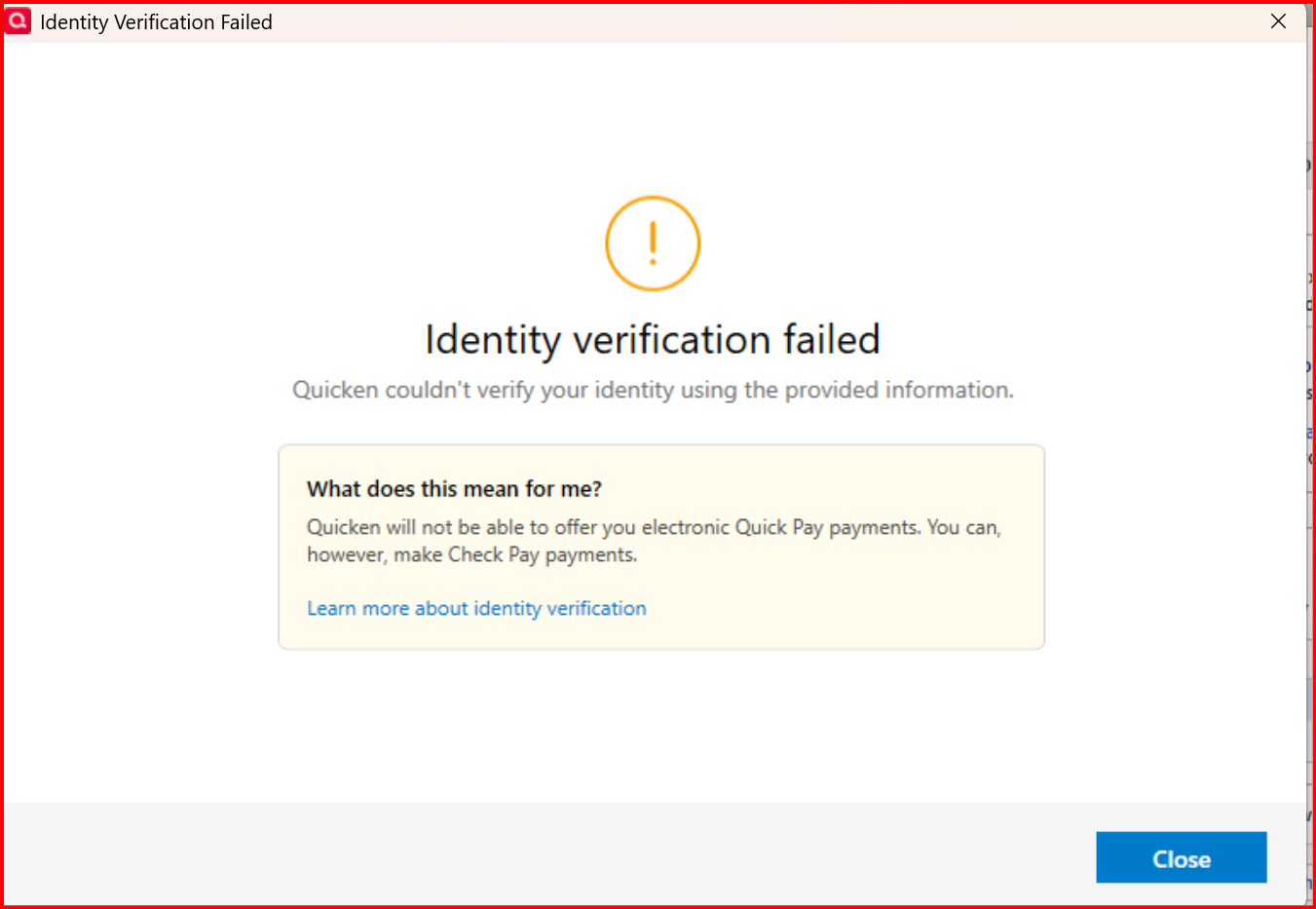
Are you now getting the dreaded “Identity Verification Failed” message? If so, the solution is to downgrade to Deluxe - you cannot use Bill Pay.
0 -
Hello @jbmart,
Thank you for reaching out! To help troubleshoot, please provide more information. What is happening when you try to use Quick Pay? Are you seeing any error messages?
I look forward to your response!
Quicken Kristina
Make sure to sign up for the email digest to see a round up of your top posts.
0 -
I agree. That's the main reason I use Quicken as well. I'm actively looking for another software app at the moment. Intuit obviously doesn't care about it's customers any longer, and I refuse to promote the issue by using their software. Goodbye, Quicken.
0 -
I have challenges before, when testing with Beta, now on Production version, and it states on two banks, Patelco and SoFi, that my identity can not be verified.
 0
0 -
Only on 2 accounts? For me, it’s all accounts. Level 2 support cannot help. They said there’s nothing they can do - I cannot use the new Bill Pay system.
0 -
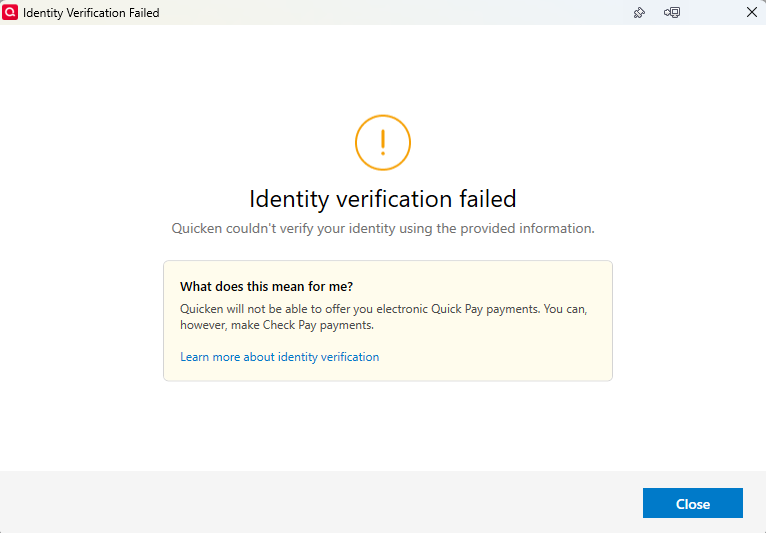
@Quicken Kristina, I am getting the Identity verification failed message that many other users have reported. I have been using Bill Pay for years with no problems, but the recent updates to Quicken have completely destroyed Online billing and Bill pay.
 0
0 -
Thank you for your reply @jbmart,
Unfortunately, for that specific error, there isn't much we can do to help. Please see this article for more information:
I apologize that I could not be of more assistance!
Quicken Kristina
Make sure to sign up for the email digest to see a round up of your top posts.
0




