quicken classic login screen hangs

As of this morning, Quicken Classic keeps asking me to log in, and the login screen hangs after I enter my email address. It started when opening my usual file. I got a pop-up dialog asking me to log in to my quicken account - which is already weird, because that's not usually necessary. The pop-up hung after entering my email, and clicking the X to close it just popped up another dialog that was blank. Repeat, repeat.
Based on a suggestion from another, older thread, I went to Preferences → Quicken Id, and killed the pop-up repeatedly until I got the "we could not retrieve your quicken profile information" message, then clicked Try Again. Same results.
I then signed completely out of the file, getting to the full-screen login within Quicken. Same results. Tried again by creating a new, empty quicken file. Still stuck at the full-screen login, and unable to even access the empty file, in order to get to Preferences or anything else.
Completely removed the quicken installation by uninstalling, removing the residual Program Files (x86)/Quicken directory. Reinstalled using the installer downloaded from within my online quicken account. Same results. Creating a new, empty file from the fresh quicken installation brings up the full-screen login, which gets stuck with the spinning circle icon after entering my password. Tried updating Windows and rebooting, same results.
So I tried creating a new account, with a different email/password. Same results - the full screen login hangs after entering the information to create the account & then clicking Create Account, then eventually dumps back to the account creation screen with the new info pre-filled.
Tried again with my computer completely disconnected from the internet. The login screen said "please check internet connection and try again". Tried again with internet connected, and firewall turned off - same results, hangs after entering email. Tried again with Run As Administrator, and go a "quicken does not support the option Run As Administrator" pop-up.
My login/password have not changed, and are still valid - as evidenced by the fact that I was able to log in to my account on the web site. The quicken installation was, and is again, at the latest updated version (R64.30 build 27.1.64.30).
Two questions: 1) is there something going on with Quicken Classic globally? I searched but didn't find any other threads. It seems clear that it's a problem connecting to the quicken servers, since a new file with a new installation isn't working.
2) [Removed - Profanity] - I thought that even without a valid subscription (which I have), or when simply offline, I'd still be able to access my old file and perform offline tasks. But it seems like quicken forces a login in all cases now. I've been using it for decades, but if it's now useless without a connection to log in, that could be the dealbreaker that finally makes me leave.
Answers
-
Hello @meeotch,
Thank you for providing such a detailed breakdown of everything you’ve tried—that’s very helpful.
To better understand where things are getting stuck, could you please share a screenshot of the full login screen where the issue occurs? This will help us see exactly which stage it’s hanging at and what options (if any) are visible.
If needed, please refer to this Community FAQ for instructions on how to attach a screenshot. Alternatively, you can also drag and drop screenshots to your response if you are not given the option to add attachments
Thank you!
-Quicken Anja
Make sure to sign up for the email digest to see a round up of your top posts.0 -
Update: took a wild swing, and tried it again - forcing a new IP address by tethering through my phone, instead of using my home internet. This time the login screen worked. I opened / logged in to all my quicken files, including the new empty one.
Then I switched back to my home internet, having established the "login token" or whatever the thing is called that tells quicken you've logged in, so that you don't have to do it again. I was able to access my files, and run a One Step Update.
However, the OSU completed suspiciously fast… I have over a dozen financial institutions, and normally OSU will take a minute or so while each one is processed. In this case, the first one (ETrade) looked normal, the second (Vanguard) failed with OL-297-A "quicken is unable to establish an internet connection", and all the rest zapped through almost instantaneously - no errors, but also no transactions downloaded.
I switched back to my phone's IP address / connection, and ran OSU again. This time, it worked as usual, with each FI taking its sweet time, and a few of them downloading transactions.
So it appeared to be an issue with my IP address… Not the computer, because it worked from a different IP. To sanity check, I installed quicken on another computer on my home network - and the login screen worked fine, even though the IP / internet connection was the same as the one that didn't work before.[Removed - Language] So it's not the computer, not the install, not the IP address… Took another swing, and rebooted my router. This appeared to fix it. Quicken now logging in on the original computer, with the original file, original internet connection, original IP address. Nothing in my router logs to indicate any connectivity issues today.
=========
TL/DR: crisis averted, for now. Hopefully, it doesn't return. I'll leave this post as-is, in case it's useful for anyone in the future.I'm still not super happy about the fact that quicken won't even allow file access without first establishing that "login token". But I guess better to know now than to find out when I really need offline access.2 -
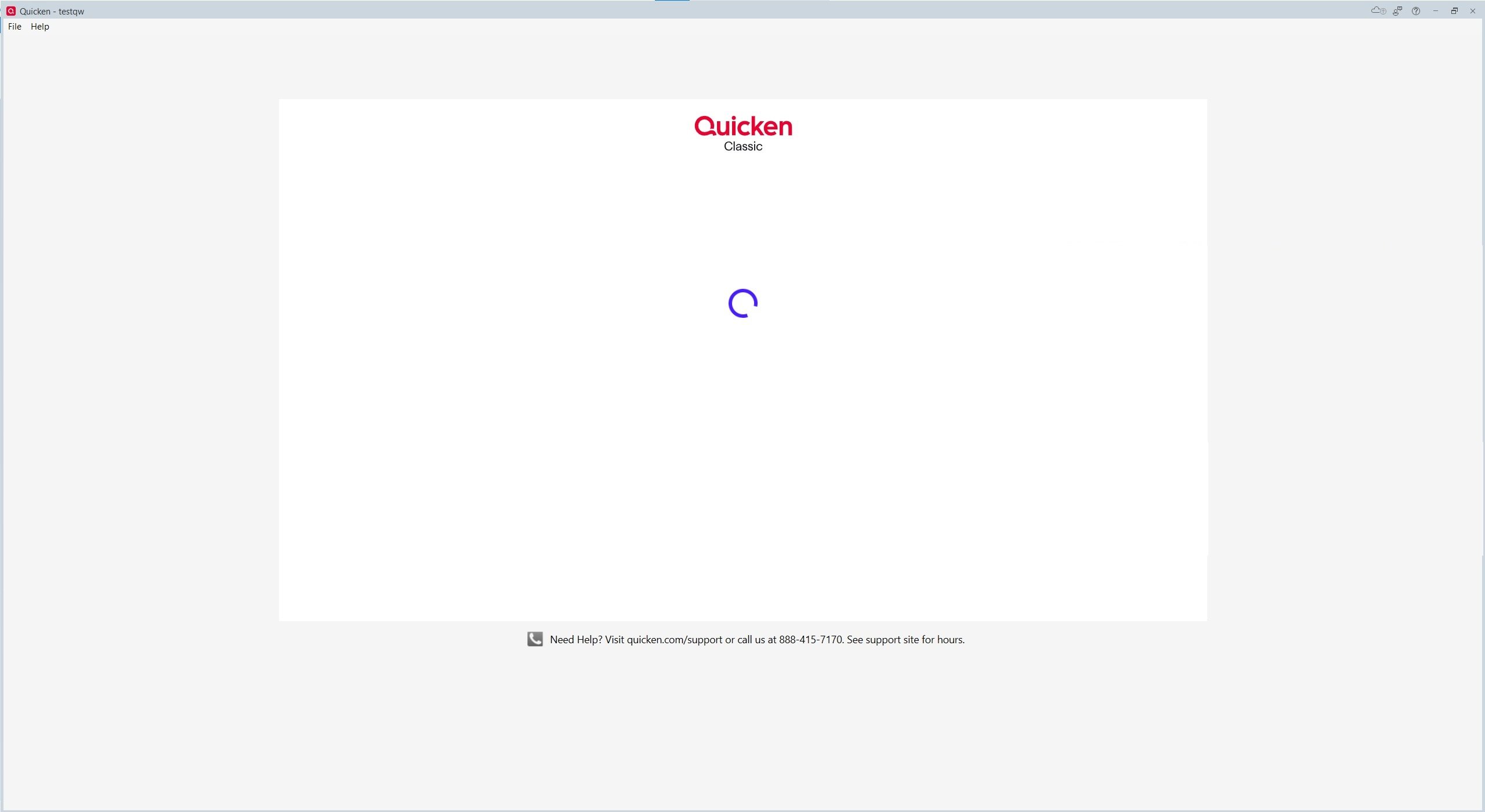
btw - this is the login screen you requested, just for completeness. [Removed - Disruptive]
 1
1 -
Thank you for your replies,
I'm glad to hear you were able to track down the issue and that restarting the router corrected the problem.
Thank you!
Quicken Kristina
Make sure to sign up for the email digest to see a round up of your top posts.
0 -
I have the same login screen and am on a cruise ship and have no way to change IP address or restart a router. What to I do? I need to use Quicken for the remaining two weeks of vacation.
0 -
Quicken Kristina
Please help! feeling desperate
0 -
Do you have VPN software available as part of your Antivirus / Firewall software already installed?
If so, try to enable VPN with a US IP address (preferably the same IP address every time you connect) and see if that works.If all else fails, before starting Quicken disable WiFi (enable airplane mode) and/or unplug any Ethernet cable.
Quicken should be able to start in "offline mode", without the Quicken ID prompt.
You'll be able to do manual transaction entry, but you won't be able to do any online functions like One Step Update or download quotes, etc.Enjoy your vacation!
0 -
Thanks for the suggestion. I do not have VPN. Went into airplane mode. Got this message.
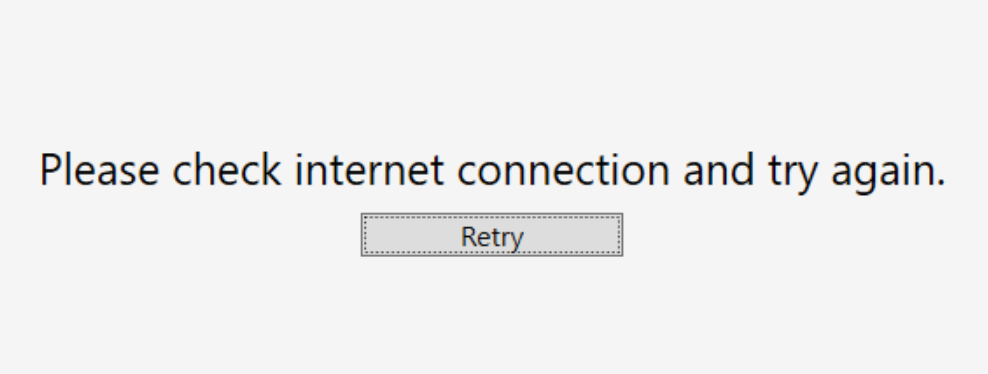
I cannot use log into Quicken from the web version, android app or my desktop. I agree with a previous post that you should be able to use quicken when you do not have internet access. Any more ideas? Thanks
0 -
Hello @Ben12,
According to our Subscription FAQ, you should be able to make manual updates without being connected to the internet. I suspect the reason it's giving you trouble is if it saw an attempt to login from a different IP address, it may have triggered the program to want to verify your login first.
Since Airplane mode did not work to let you log in without a connection, I recommend reaching out to Quicken Support directly for assistance, if possible. Their contact information can be found through this link here. Phone support is available from 5:00 am PT to 5:00 pm PT, Monday through Friday. Chat support is available from 5:00 am PT to 5:00 pm PT.
I apologize that I could not be of more assistance!
Quicken Kristina
Make sure to sign up for the email digest to see a round up of your top posts.
0 -
I did reach out and did not get any satisfaction. In the end they told me Quicken is only supposed to work well in the US and Canada. I have used Quicken all over the world until now. Very unsatisfactory customer service. If any one knows how I can look at my data without logging in or without internet please let me know. Support did not have any answers. I am able to login to all of my financial and banking accounts but NO to Quicken.
0 -
Thank you for your reply,
I'm sorry to hear they weren't able to help. Unfortunately, what they told you is correct. Quicken is not intended to be used outside of the US and Canada. If you have access to a VPN, you might be able to use it to make it look like you're logging in from the US or Canada. That can sometimes help.
Thank you!
Quicken Kristina
Make sure to sign up for the email digest to see a round up of your top posts.
0 -
This content has been removed.


