Reconcile issue

On Windows 11 latest update and Quicken Classic Deluxe Version R65.17 Build 27.1.65.17
After downloading all the transactions from Bank of America they are all marked "C". When I go to reconcile I come up with a difference of $423.94, which is the total of outstanding transactions that have not cleared yet from my bank. I have the latest Quicken update and I already super validated my file with no issues.
I am hesitant to "rebuild" (if that is the word) my file as in the past this has led to even bigger issues.
Any suggestions?
Thanks…..Marty
Answers
-
Are you reconciling to the online balance?
If so, sometimes during OSU the financial institution will download an updated online balance that includes pending transactions. This creates a reconcile to the online balance issue.
If this is the issue you are seeing (and it certainly sounds like it) there is nothing to "fix". It is not a Quicken nor a data file issue because it is caused but what the financial institution downloads. You just need to wait for those pending transactions to post and then they will download allowing for the reconciliation process to properly complete. In most cases (not all), the pending transactions will post by the next day and the issue will be resolved when the posted transactions are downloaded.
This issue occurs most frequently with account set up with EWC and EWC+ connections but it also sometimes happens with DC connected financial institutions.
Quicken Classic Premier (US) Subscription: R66.23 on Windows 11 Home
0 -
Hello,
Most of what you stated is correct in my situation. The only thing is I have over 20 transactions that have cleared in Quicken and fully processed in BOA. They cannot reconcile.
Marty
0 -
I am having the same problem. I think it’s a bug as I have been using Quicken since DOS and I’ve never seen this before.
1 -
When did the transactions download?
Did you run OSU again 12-24 hrs later and is the same reconciliation issue still present? (By "same" I mean the same dollar discrepancy between the account register balance and the Online Balance?)
Another possible cause of this is if you did anything to change or modify the download connection method. "Anything" includes, Add Account, Set Up Now, Reset Account, deactivate/reactivate the account and reauthorize the account. If so, sometimes when these things are done there are a couple of issues that can occur in Spending accounts (i.e., checking, savings, credit card, etc.):
- The Opening Balance transaction dollar amount gets changed. Because of this, it is recommended to enter and save the correct dollar amount into the Memo field of that transaction. Then if the issue does occur it is very easy to identify and to correct. Otherwise you might need to restore an old backup file to see what that shows for the Opening Balance dollar amount.
- Sometimes duplicate transactions will be entered into the account register. If/when this happens they will usually be presenting within the last 90 days. Duplicate transactions that are found will need to be manually deleted.
Quicken Classic Premier (US) Subscription: R66.23 on Windows 11 Home
0 -
@Boatnmaniac it’s happening exactly the way he described to me too but with two banks. The only thing I did was update the software when I launched Quicken. I believe it to be a bug. How do we get @Quicken Anja to escalate this issue?
0 -
Hello @Boatnmaniac
I am not really sure when the transactions downloaded. I would say I have them going back about a week or so.
I did not do anything to change the download connection.
Now the difference is $154.19 and I have about 30 transactions that are CLEARED, but cannot reconcile. At this point I might just adjust the balance.
Marty
0 -
I would not adjust the balance because when the downloaded transactions and the downloaded Online Balance are back in sync then the adjustment that was made will need to be either deleted or another adjustment will need to be made to counter the original adjustment. And by your own observations you can see the volatility of the imbalance from one day to the next. So entering a balance adjustment transaction is at best just a very temporary band-aid and not a fix.
Are you getting new transactions downloaded every day?
Also, have you confirmed that the Opening Balance in the account is correct? If it is not, then until it is corrected no reconciliation process will be possible.
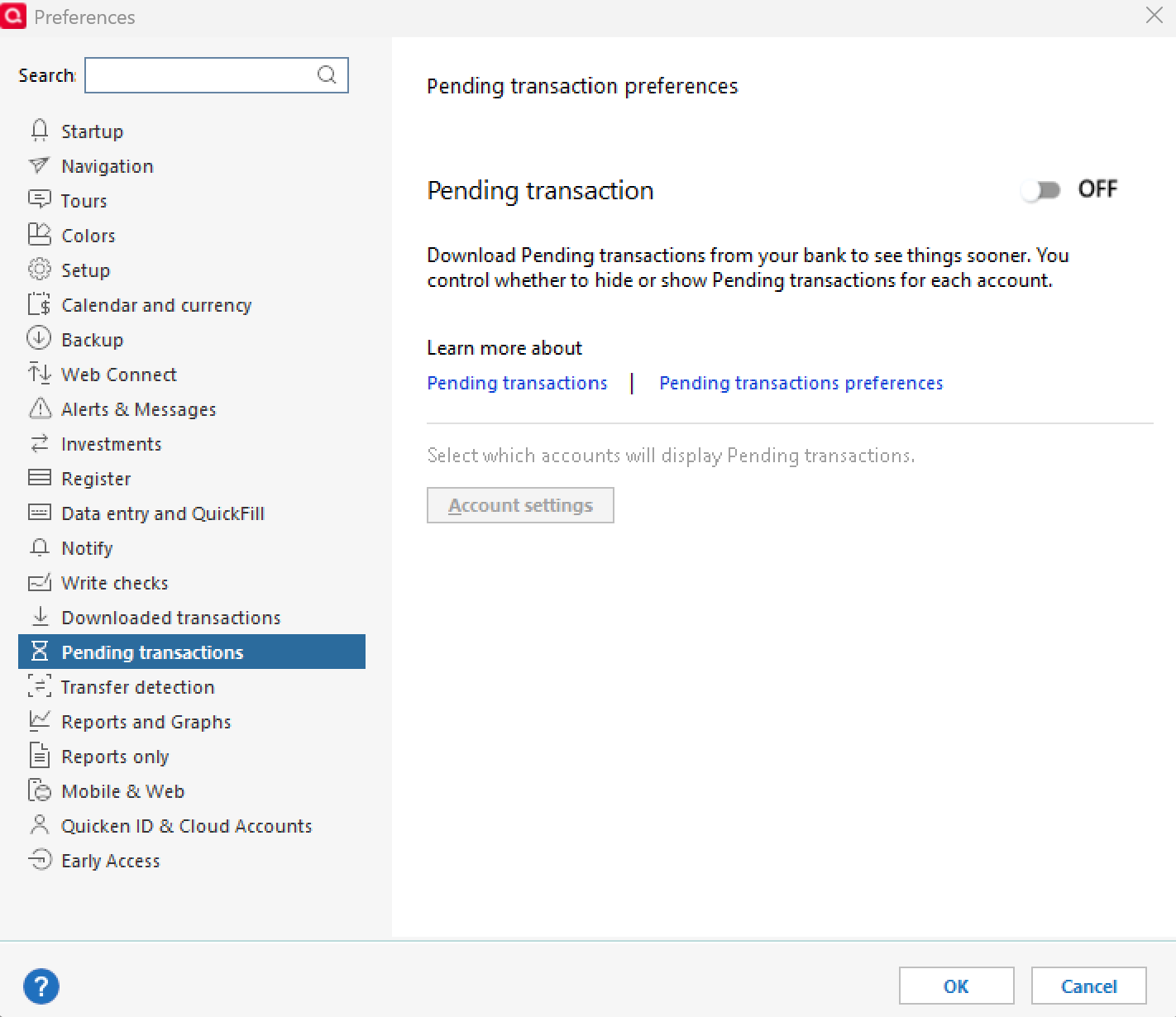
Do you have your Preferences set up to include Pending Transactions in the account register's current and ending balances? If so, you might want to try turning that Preference off or at least modifying it so that it does not include them in the current and ending balances.
Quicken Classic Premier (US) Subscription: R66.23 on Windows 11 Home
0 -
I have pending transactions turned off and it is balancing against pending transactions.
I’m not hijacking the thread but I have the same issue and it’s a bug.
0 -
Hello All,
Thank you for sharing these details so far.
At this time, we don’t have an active ticket open for this behavior. Before we move forward with any escalation, we need to gather more specific information.
Please provide the following:
- Screenshots of the reconcile window showing:
- The register balance
- The Online Balance you’re reconciling to
- The affected transactions marked as Cleared (C) but still not reconciling
- If needed, please refer to this Community FAQ for instructions on how to attach a screenshot. Alternatively, you can also drag and drop screenshots to your response if you are not given the option to add attachments.
- Confirm whether:
- The issue affects all accounts or only specific ones
- You have Pending Transactions enabled or disabled in Edit > Preferences > Pending transactions
- Your Opening Balance transaction matches what it should be (a common cause of reconciliation discrepancies after an update)
You may have already shared portions of this information—thank you. However, we need the complete set of details from each impacted user so that we can determine whether this is a consistent issue or separate scenarios.
Please do not enter any balance adjustments at this time, as doing so can create additional issues once the balances sync correctly.
Thank you!
-Quicken Anja
Make sure to sign up for the email digest to see a round up of your top posts.0 - Screenshots of the reconcile window showing:
-
@Quicken Anja - Yes, as you noted and as I stated earlier, first it needs to be determined if the Opening Balance transactions dollar amount has been changed. And if so, that needs to be fixed by entering the correct dollar amount.
Also, I think it needs to be confirmed whether or not there are any duplicate transactions in the register (they will usually show up within the 90-days prior to the last connection change/modification). Delete any duplicates that are found.
Both of these things are well known issues that can sometimes happen, especially with EWC and EWC+ connections.
However, I think thread is about a different issue that has been posted about in this forum many times over the last several years but which I can't recall Quicken ever acknowledging. Simply:
- When the aggregator downloads data from the FI it appears that perhaps the FI is downloading an Online Balance that includes pending transaction dollar amounts.
- Or, sometimes, the downloaded Online Balance includes the amounts of new newly posted transactions that have not yet been downloaded.
- Either way, reconciling to the Online Balance cannot be completed because of this.
Here is a picture of a current situation that happened when I ran OSU yesterday.
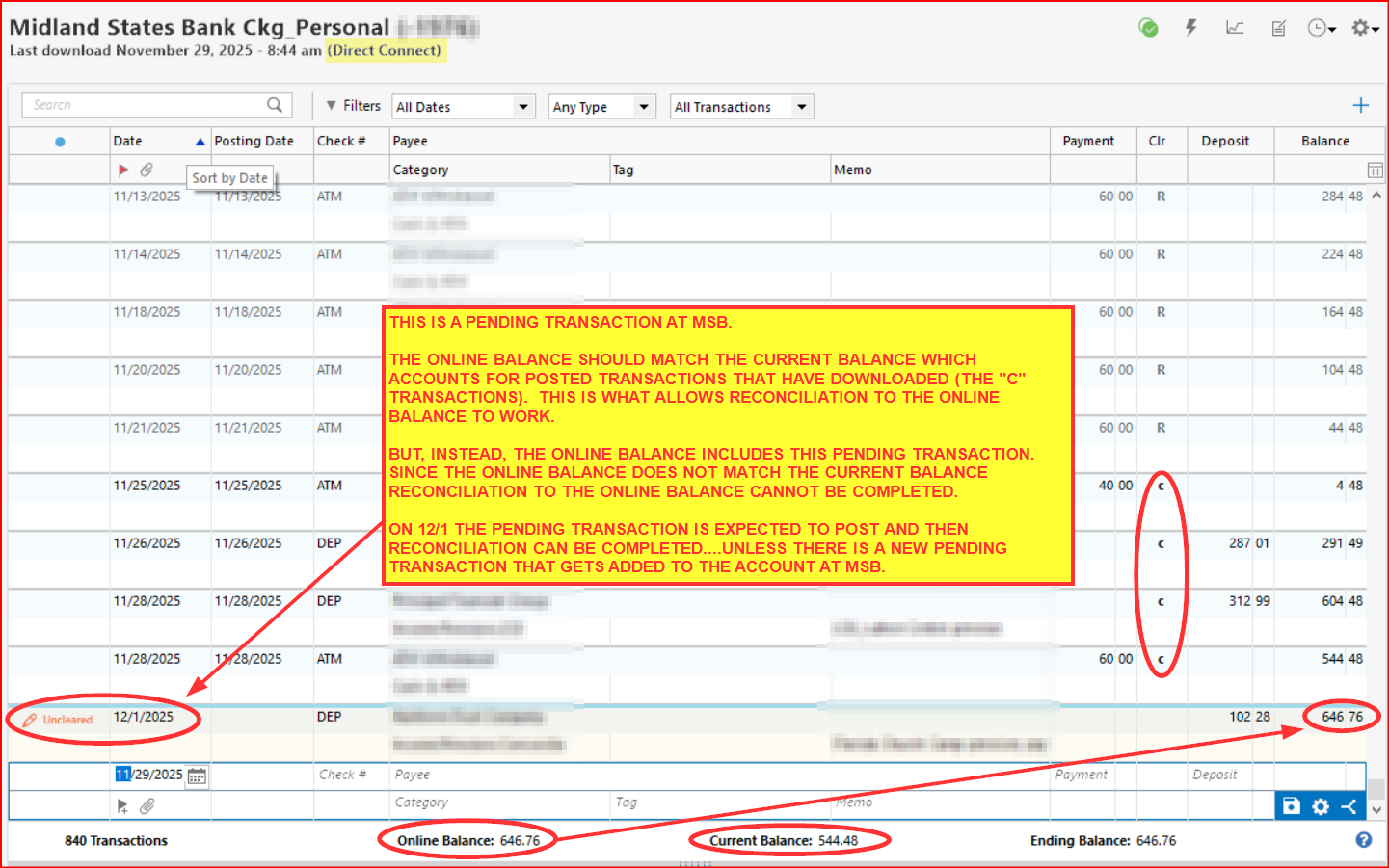
In the past I've often called it a "timing issue" because that is how it was described to me. In this thread I've called it a "sync issue". Either way, the issue generally self-resolves with another OSU done 12-24 hrs later. The exception to this is when the next OSU includes partial data from another new transaction so the reconciliation is then delayed until the next OSU. This becomes a significant issue for those who have have transactions downloading on most days because it means reconciling to the online balance cannot be completed for possibly many days.
I've experienced this with every one of my EWC and EWC+ accounts at one time or another. With some it happens more frequently than with others. And it does not happen all the time. It all makes me think that data that is being downloaded at night is sometimes being pulled from the FI server before the FI has completed their nightly server updates so what is posted and the online balance are not completely in sync with each other. It's just a guess but it seems logical.
It has only happened with 2 of my 6 DC connected accounts (like is shown in the picture posted above). These 2 DC accounts generally download data from the night before (like what happens with EWC and EWC+ accounts) instead of real-time data downloads. This never happens with the real-time download DC accounts.
This also happens in all of my unique data files, including new test files that I sometimes set up.
I want to emphasize that this is not a new issue. It is something that has been happening for at least the last 3-4 years. There has been a lot posted about this in this forum over the years and many have said they reported it in the past. But maybe like me many have simply become complacent about it knowing that it generally self-resolves within 24 hours.
Quicken Classic Premier (US) Subscription: R66.23 on Windows 11 Home
0 -
Update on the sync issue in my last post: The Pending transaction did not post at the bank, yet, but the online account shows that it will be posting today. So the issue noted in my previous post has not yet resolved. I'm anticipating that it will be resolved by tomorrow morning when the transaction will be downloaded as posted.
Quicken Classic Premier (US) Subscription: R66.23 on Windows 11 Home
0 -
@Quicken Anja I have two transactions at my bank that are processing and quicken is telling me when I reconcile that I am off by the two transactions and wants to subtract the amount from my quicken register so it can balance. Is this something new for Bank of America? This hasn’t happened until recently.
0 -
@paddy I have the same issue as you. Honestly all the info that @quicken anja stated, I really do not follow. All I know is I have the same issue as you and it is bothersome.
Marty
0 -
Hello,
I think I provided all you asked below. All the transactions showing are marked with a "C". The items in the yellow area are future transactions. The total of the three items UNCLEARED are the total of the discrepency $422.71.
I only have one Bank of America account. I have had Pending items eneabled, but just today I disabled.
Screenshotsof the reconcile window showing:- The
register balance - The
Online Balanceyou’re reconciling to - The affected transactions marked as
Cleared (C)but still not reconciling- If needed, please refer to this
Community FAQfor instructions on how to attach a screenshot. Alternatively, you can also drag and drop screenshots to your response if you are not given the option to add attachments.
- If needed, please refer to this
- The
- Confirm whether:
- The issue affects
all accountsoronly specific ones - You have
Pending Transactionsenabled or disabled inEdit > Preferences > Pending transactions
- The issue affects
0 -
Thank you all for following up!
We will go ahead and forward this issue to the proper channels to have this further investigated. However, if you haven't already, we request that you please navigate to Help > Report a problem within your Quicken program and submit a problem report with log files and screenshots attached in order to contribute to the investigation.

It would also aid the investigation to include a sanitized file when submitting the problem report. A sanitized file is a data file that removes personally identifiable information so you can comfortably share this file with the Quicken team.
While you will not receive a response through this submission, these reports will help our teams in further investigating the issue.
Thank you!
-Quicken Anja
Make sure to sign up for the email digest to see a round up of your top posts.0 -
@Quicken Anja Thank you for forwarding to the developers management
0 -
Update regarding the account issue shown in the picture I posted on 11/30: The pending transaction posted and another transaction posted last night. This morning they downloaded and I was then able reconcile the account to the online balance.
So, it self resolved as I'd mentioned that it probably would.
Quicken Classic Premier (US) Subscription: R66.23 on Windows 11 Home
0 -
I just noticed something that might be causing or contributing to this issue where the downloaded online balance includes the value of pending transactions:
When Pending Transactions functionality was introduced there was a drop-down just to the left of the Online Balance below the register that would allow us to address and fix issues like this. And it would also send a message back to the FI to not include Pending Transactions in the Online Balance. That often would resolve or greatly reduced the occurrence of this issue. This drop-down is no longer available. Maybe this is what is causing at least an increase in the frequency of this issue occurring?

Why would this function be removed? Would putting it back in place allow us to resolve the issue?
Putting it back in place might address the issue with EWC and EWC+ connected accounts but how would it affect DC connected accounts since DC connected accounts do not permit downloading of Pending Transactions?
Quicken Classic Premier (US) Subscription: R66.23 on Windows 11 Home
0 -
Hello again,
Thank you for continuing to share your experiences with this reconciliation issue. In order for our team to properly investigate and escalate this behavior, we require log files and/or a sanitized file to be submitted via Help > Report a Problem in Quicken.
So far, we haven’t received any submissions with this information, which means the ticket cannot move forward at this time. If you haven’t done so already, please submit a problem report with:
- Log files
- A sanitized file (removes personally identifiable information)
Once these are submitted, the team can begin a full investigation.
Thank you for your help and patience!
(CBT-946)-Quicken Anja
Make sure to sign up for the email digest to see a round up of your top posts.0 -
@Boatnmaniac @Quicken Anja Is it truly safe to send a sanitized file? What does it remove?
0 -
@Paddy Please review this Help Article for more information about sanitized data files. It includes an explanation of what personal information is removed.
Hope this helps!
-Quicken Anja
Make sure to sign up for the email digest to see a round up of your top posts.0 -
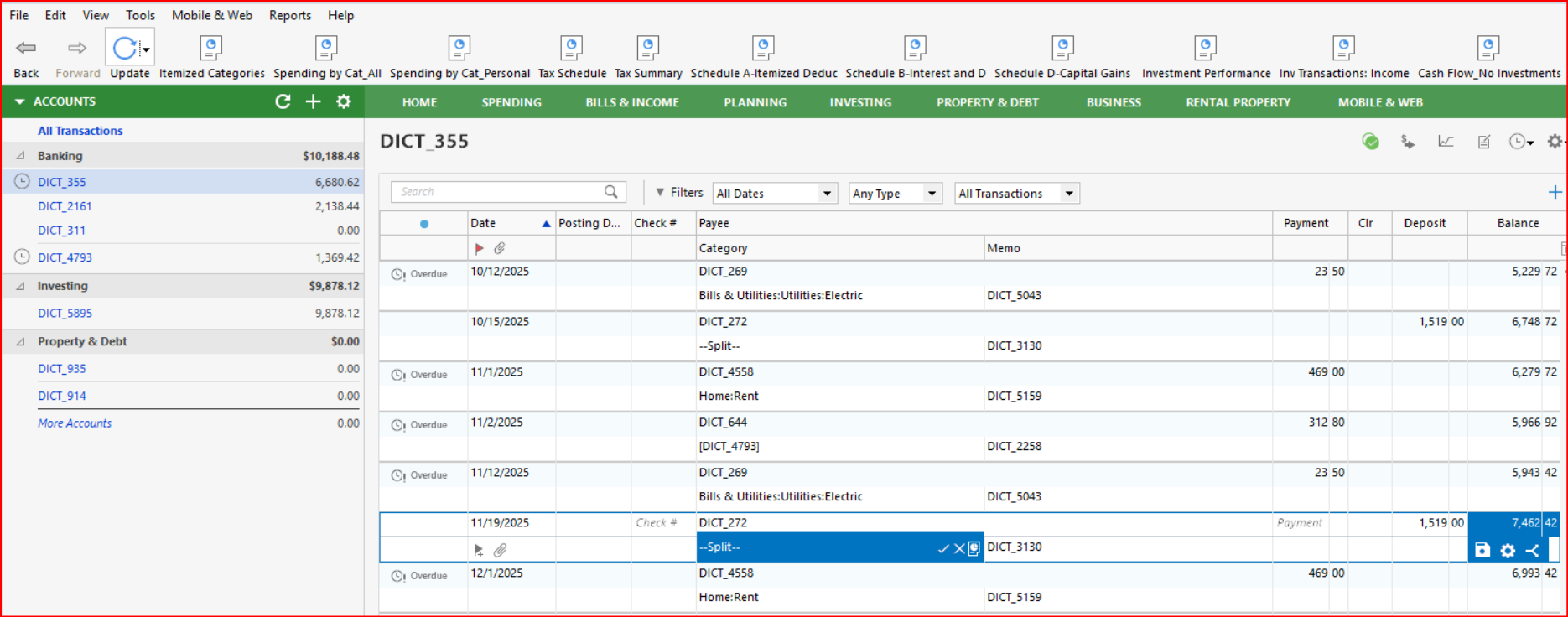
You can create a Sanitized file yourself (File > Contact Quicken > Sanitize Data File Copy) to see what the data in the file looks like. That will save a ZIP file with the sanitized data file in it. Copy that sanitized data file to a folder outside of the ZIP folder or extract that file from the ZIP folder. Then double click on it and it will open in Quicken.
I think you will be pleasantly surprised to see how "sanitized" the data in that file is. Here are a few pictures of a sanitized data file that I created a while ago. Every view and location in this file that I looked at had similar information shown with absolutely no confidential information observed. One of my biggest concerns in the past regarded the Note field on the General tab of Account Details because I tend to put some very confidential information in there but as you can see below that whole field is wiped, as well. I hope this makes you feel more comfortable about submitting Sanitized files when reporting a problem.:

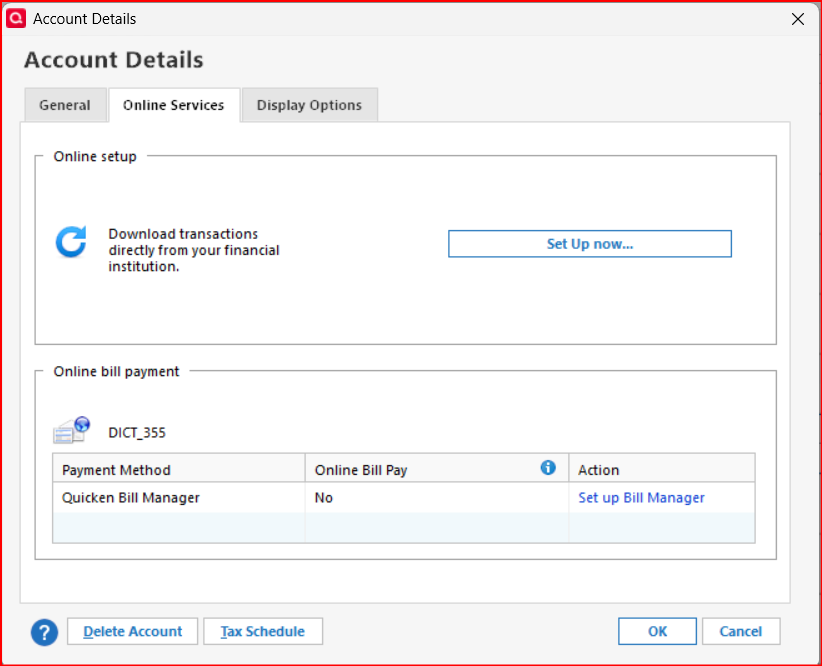
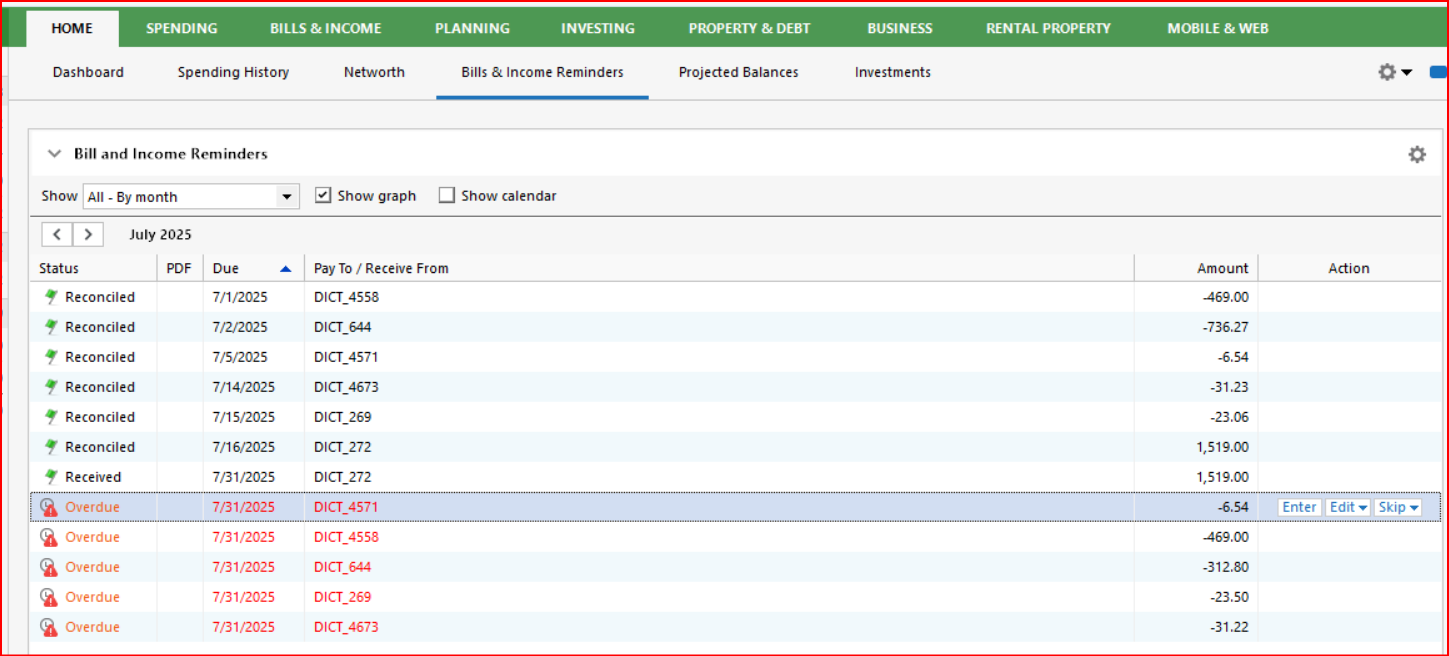
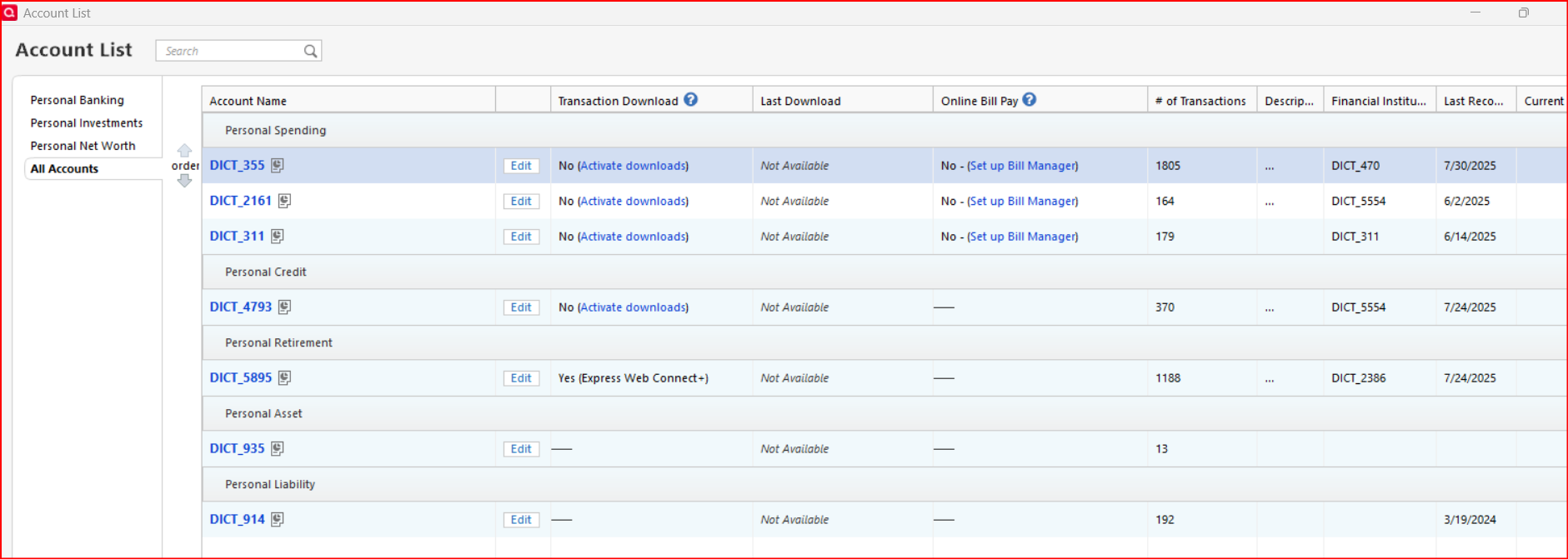
Quicken Classic Premier (US) Subscription: R66.23 on Windows 11 Home
1 -
I just went to Report a Problem and when I check Sanitized file included I get the error below. How can I submit the file to Quicken?
Edit: I submitted through Quicken. I shared the file through my OneDrive.
 0
0 -
Hello @sullfam1,
If the sanitized file is too large to attach, you can just submit the log files without it. The sanitized file is helpful but not required—it’s more of a “nice to have” for the investigation. Submitting the logs alone is still very useful for the team to look into the issue.
Thank you!
-Quicken Anja
Make sure to sign up for the email digest to see a round up of your top posts.0 -
0
-
@sullfam1 Thanks for submitting. I've attached your files to the ticket.
Thank you!
-Quicken Anja
Make sure to sign up for the email digest to see a round up of your top posts.0 -
@Quicken Anja @Boatnmaniac I always have something processing so Quicken keeps asking me to reconcile with the difference being transactions that are processing at the bank. This is new behavior for bank checking and savings. I have a whole bunch of pending transactions on the credit cards and those accounts balance fine against the total before pending transactions.
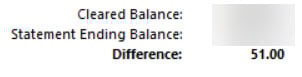
 1
1 -
For quick reference, here is my 7/2 post regarding a change possibly contributing to this issue:
Another thing I have noticed but I don't know enough to know if there is a direct correlation:
In my account registers there are two date columns: 1) The default column that can be used to show the Transaction date when manually entering the transactions and 2) the optional downloaded Posting Date column.
Lately I've been noticing that the downloaded Posting Date is often the same as the manually entered Transaction date. That is really odd because it usually takes financial institutions 1-3 days to post transactions after they have been transacted and that 1-3 days is the time period where the transactions are in Pending status.
Could this be why financial institutions sometimes include the pending transactions in the downloaded Online Balance? I mean, if they are coded at the FI as "posted" while they are really "Pending" could that be a contributing cause?
Quicken Classic Premier (US) Subscription: R66.23 on Windows 11 Home
0 -
Make sure this preference isn't on.
 1
1 -
That was the 1st thing I checked and it wasn't checked when I first noticed this a few days ago. I didn't post about it until now because I wanted to confirm that this issue really is occurring and that it wasn't just something that I was imagining. So, for the last few days I carefully tracked all pending transactions to see what date was being downloaded. In many cases, not all, the pending transactions showed the transaction date but when the posted transaction downloads is still has the transaction date, not the actual posted date.
Also it is my understanding that having this Preference checked will change a manually entered transaction date to the posted date when the transaction gets downloaded. But what I'm seeing is that the posted date is not always downloading. Instead it is the transaction date that is downloading and that is being entered as the posted date which is wrong.
Quicken Classic Premier (US) Subscription: R66.23 on Windows 11 Home
0


