Why can't I post a payment to a Property & Debt loan?

I loaned some money to a friend and have a monthly amortization set up for repayment under Property & Debt.
When I try to post the payment to the ledger, it will not accurately reduce the principal balance by the principal portion. Nor does it advance the payment due date.
Please
Answers
-
Hello @YeseniaC,
Thank you for letting us know you're seeing this issue. To help troubleshoot, please provide more information:
- When did this issue start?
- Is it not posting the transaction at all, or is the transaction posting, but you're not seeing the expected results?
- What method are you using to enter the transaction into the loan account register?
- If possible, please include screenshots of what you're seeing.
- If needed, please refer to this Community FAQ for instructions on how to attach a screenshot. Alternatively, you can also drag and drop screenshots to your response if you are not given the option to add attachments.
I look forward to your reply!
Quicken Kristina
Make sure to sign up for the email digest to see a round up of your top posts.
0 -
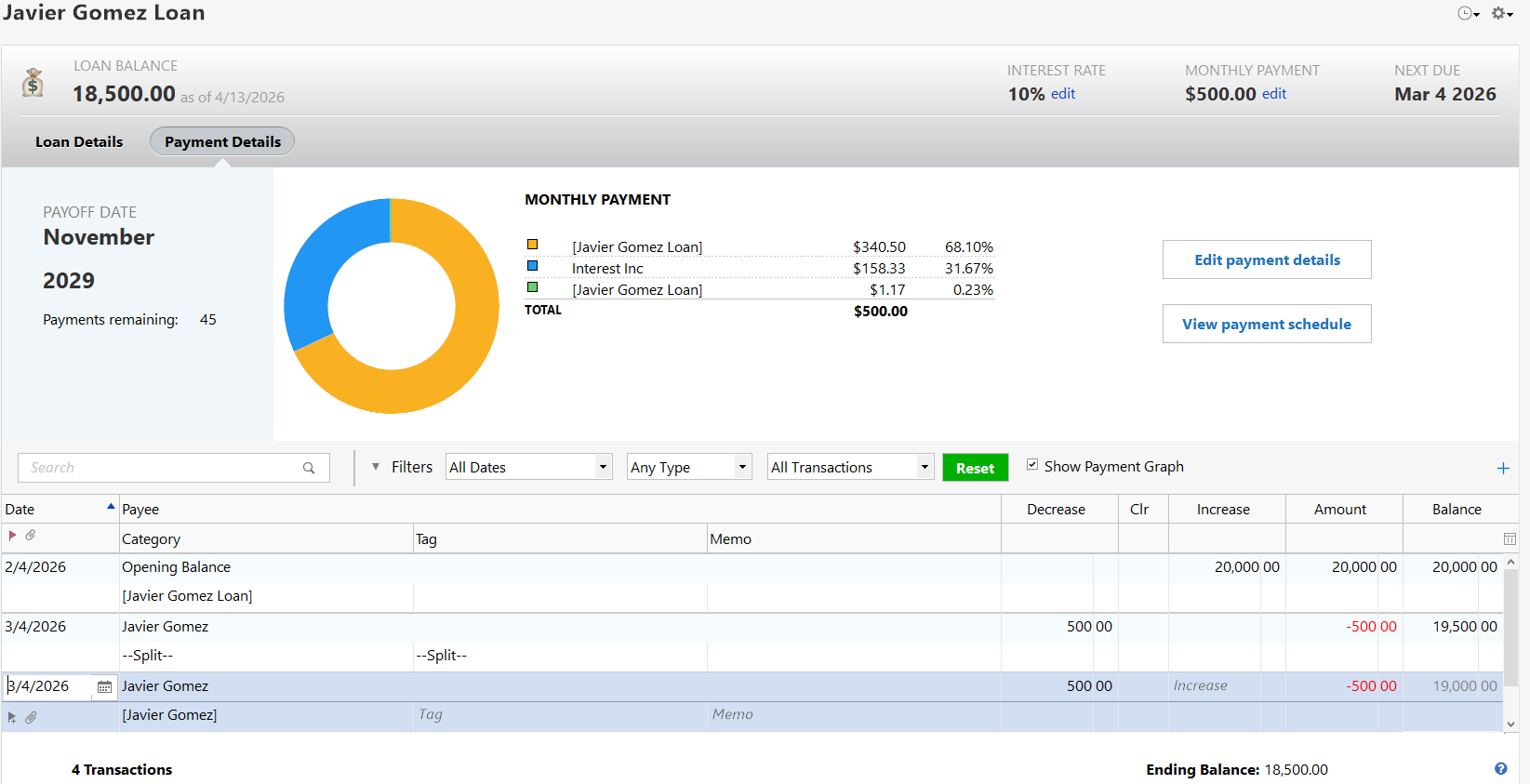
It has been an issue ever since I set up the Loan Account. I post the payment but it does not advance the next due date, nor does it amortize the payment.
 0
0 -
Thank you for your reply,
To clarify, are you entering the transaction directly in the register, or using the reminder to enter it?
When I tested in my Quicken file, entering the transaction directly into the register produced the same behavior you described. The information updated correctly when I used the reminder to enter the transaction.
Thank you!
Quicken Kristina
Make sure to sign up for the email digest to see a round up of your top posts.
0 -
Yes, you must use the Income Reminder that Quicken generated when you set up the lender loan. That Reminder will calculate the amortization amounts and properly decrement the loan balance.
Alternately, you could enter your own split category transactions each month in which the deposit amount is $500 and the 1st line of the split category is a transfer to the loan account….[Javier Gomez Loan]…for the calculated principal repayment and the 2nd line of of the split is the interest category for the calculated interest income amount. But this can get to be pretty time consuming because you will need to be calculating and entering the different amortizations for each payment received each month.
Using the Income Reminder Quicken generated is just a very simple click on the Enter button each month and Quicken takes care of it for you.
Quicken Classic Premier (US) Subscription: R67.7 on Windows 11 Home
1

