The "performance" view does not include cash for determining "market value." As a result, the IRR for YTD is way off.
[Edited - Readability]
Hello @Brad L Vandermoon,
Thank you for letting us know you're seeing this issue. To help troubleshoot, please provide more information. What kind of investment account is this happening with (brokerage, retirement, 401k, etc.)? Please also provide a screenshot of what you are seeing (with personal information redacted). If needed, please refer to this Community FAQ for instructions on how to attach a screenshot. Alternatively, you can also drag and drop screenshots to your response if you are not given the option to add attachments.
I look forward to your reply!
@Quicken Kristina It doesn't matter what type of investment account it is. The Portfolio Value filter shows Cash; for Performance filter does not. I believe it's just programmed that way. My guess is because Cash doesn't have a Basis or Gain/Loss — interest paid is not tracked as a "gain" for cash — the programmers did not include it in the Performance view.
since they do not include cash in the “performance” view, the IRR is significantly inflated for YTD.
The accounts that I am looking at for this issue are all “retirement” accounts but as @jacob indicates account type does not matter. I cannot provide screen shots as the problem can only be further clarified by giving the personal info.
@Quicken Kristina Here's an example file I put together that I think illustrates the complaint.
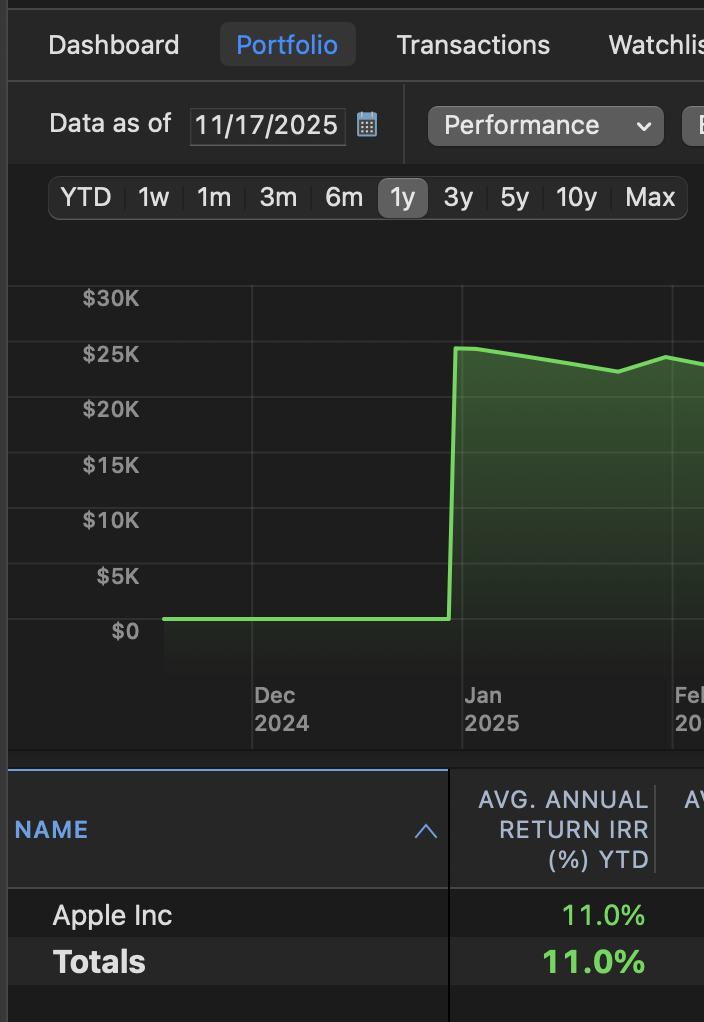
I set up a brokerage account with just enough money to buy 100 shares of AAPL at the beginning of the year. The account is 100% invested in AAPL with no cash left over:
When I look at the performance chart for the account, I see that it's has a 11% total return for the year to date:
So far so good.
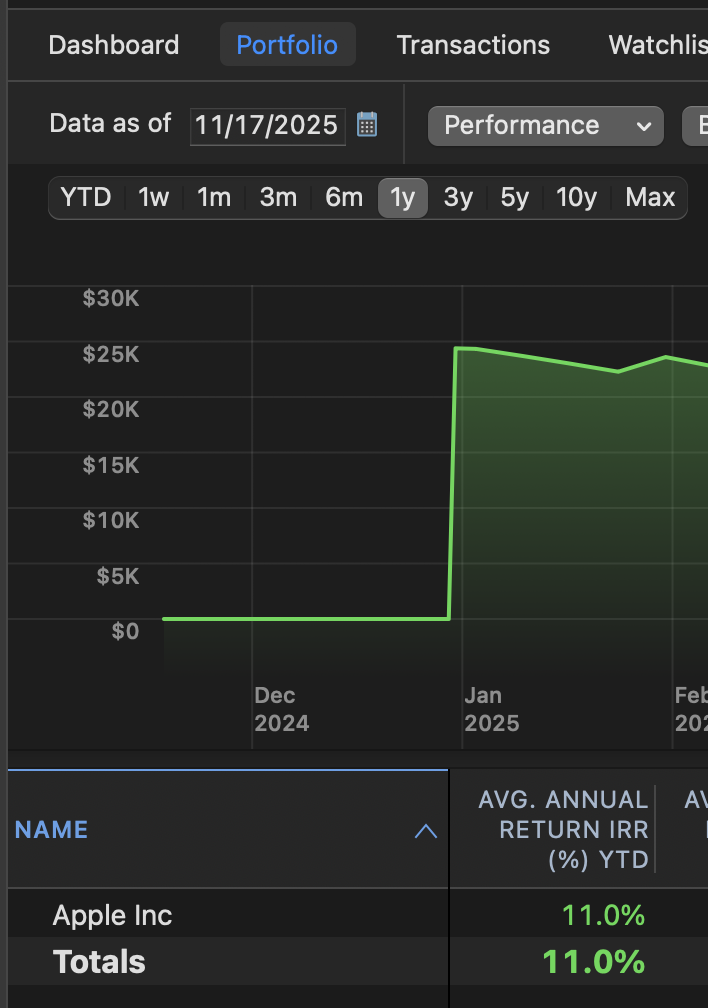
Now let's create a second account with exactly twice as much money in it. At the start of the year I buy the same 100 shares of AAPL so the account is 50% in AAPL and 50% in cash:
When I look at the performance chart for this account I see exactly the same 11% YTD total return:
But that's incorrect. While the AAPL stock did go up by the same amount, the other half of the account was in cash that earned 0% for the year. So the return for the entire account should only be 5.5%. But Quicken isn't showing that because the uninvested cash is completely missing from the chart. Quicken is only showing the performance of the invested money, not the entire account.
Very well done @Jon ! I was also able to put together a redacted screen shot of the view i am looking at. the redacted "market value" column is the column that does NOT include cash in the account resulting in an overstated IRR just as @Jon points out.
Hello All,
Thank you for providing the additional information and screenshots.
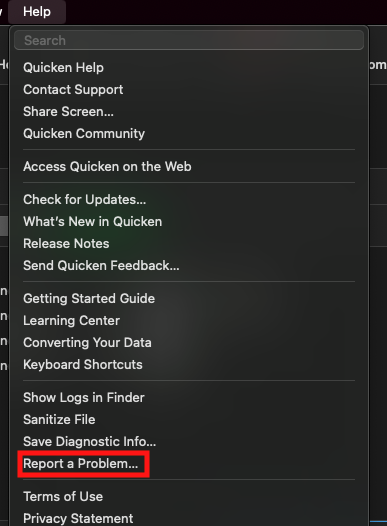
I forwarded this issue to the proper channels to be further investigated. In the meantime, please navigate to Help > Report a problem and submit a problem report with log files in order to contribute to the investigation.
While you will not receive a response through this submission, these reports will help our teams in further investigating the issue. The more problem reports we receive, the better.
We apologize for any inconvenience!
Thank you.
(CTP-15276)
@Quicken Kristina There are really no log files worth submitting, since this happens with manually entered transactions, and can easily be replicated with the entry of just two transactions in any file, as shown by @Jon above. If your ticket includes his text and screenshot, the developers have all the information they need to look into this. (They may say this is by design, but it would be helpful if they could provide a short answer why they exclude Cash from the Performance view.)
Just out of curiosity I looked at this on Quicken Windows, and I take it that view/report doesn't have this customization?
Hello @jacobs,
I ask for logs because our teams will often kick the ticket back if it doesn't include log files. That said, I was able to replicate the issue by following the process @Jon posted and included my own logs with the ticket.
@Chris_QPW,
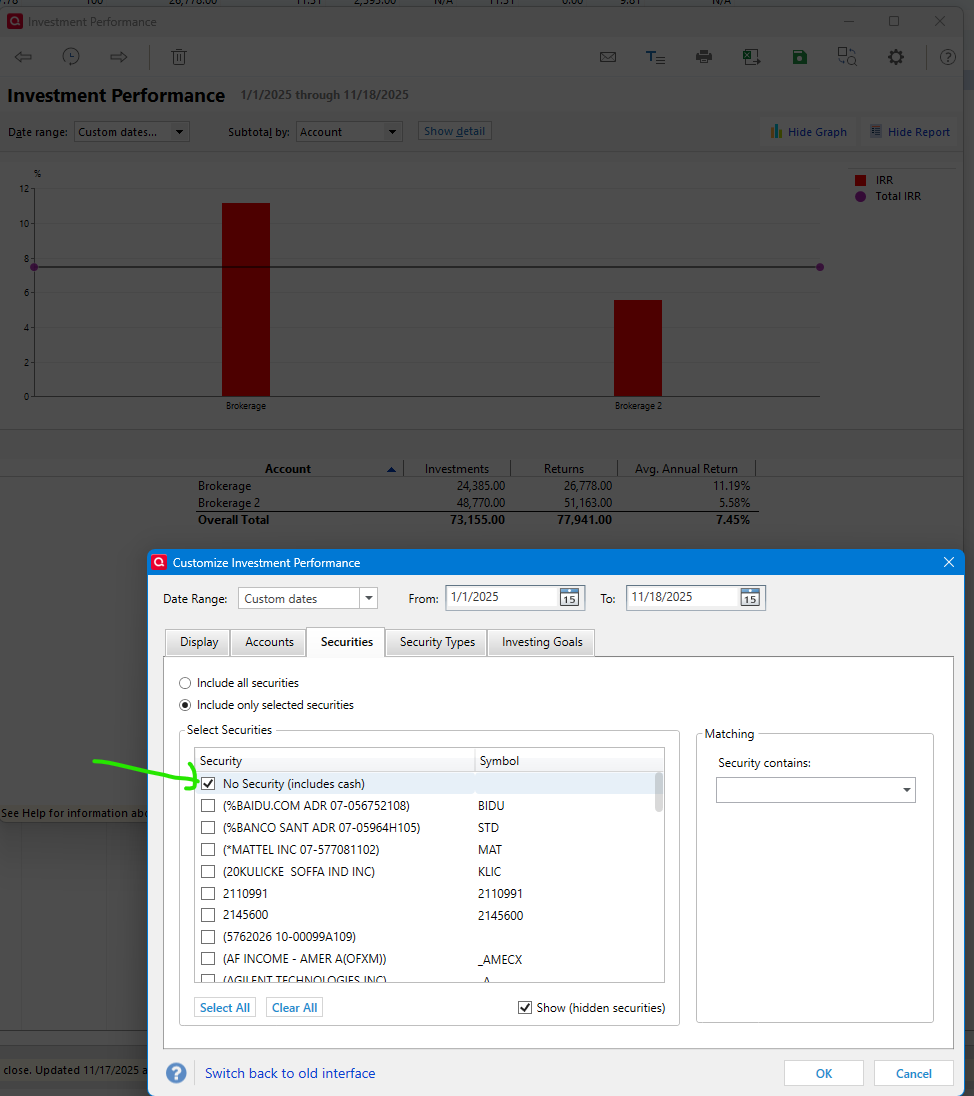
The view in Quicken for Mac does not have that option. There is a checkbox to show cash, but that affects only the graph in the view, and has no impact on the IRR% calculations below the graph.
Thank you!
@Quicken Kristina I do understand why the developers would generally want to have log files; I just felt it was extraneous in this case because nothing in any log file would show the manual entry of two investment transactions and the different way they appear in two different views. But thanks for checking that box so they will look at it. 😉