Workaround to the "This transaction was created as a transfer from a split transaction." Repeated Di

QW Classic Premier - Version R63.21 - Build 27.1.63.21 - Windows 11 Home
I have opened this issue twice with no resolution… I have also noticed several others who have reported the same issue with mixed results. This is what I found in my case and the workaround I have found to resolve it. I am tagging all users I noticed stating they were having the issue as well as the Quicken Moderator/Help who responded.
@John McCurdy @dpbouchard @terpsucka2 @user20250625 @dma05 @Jim_Harman @Toolworker @Quicken Jasmine @CaliQkn
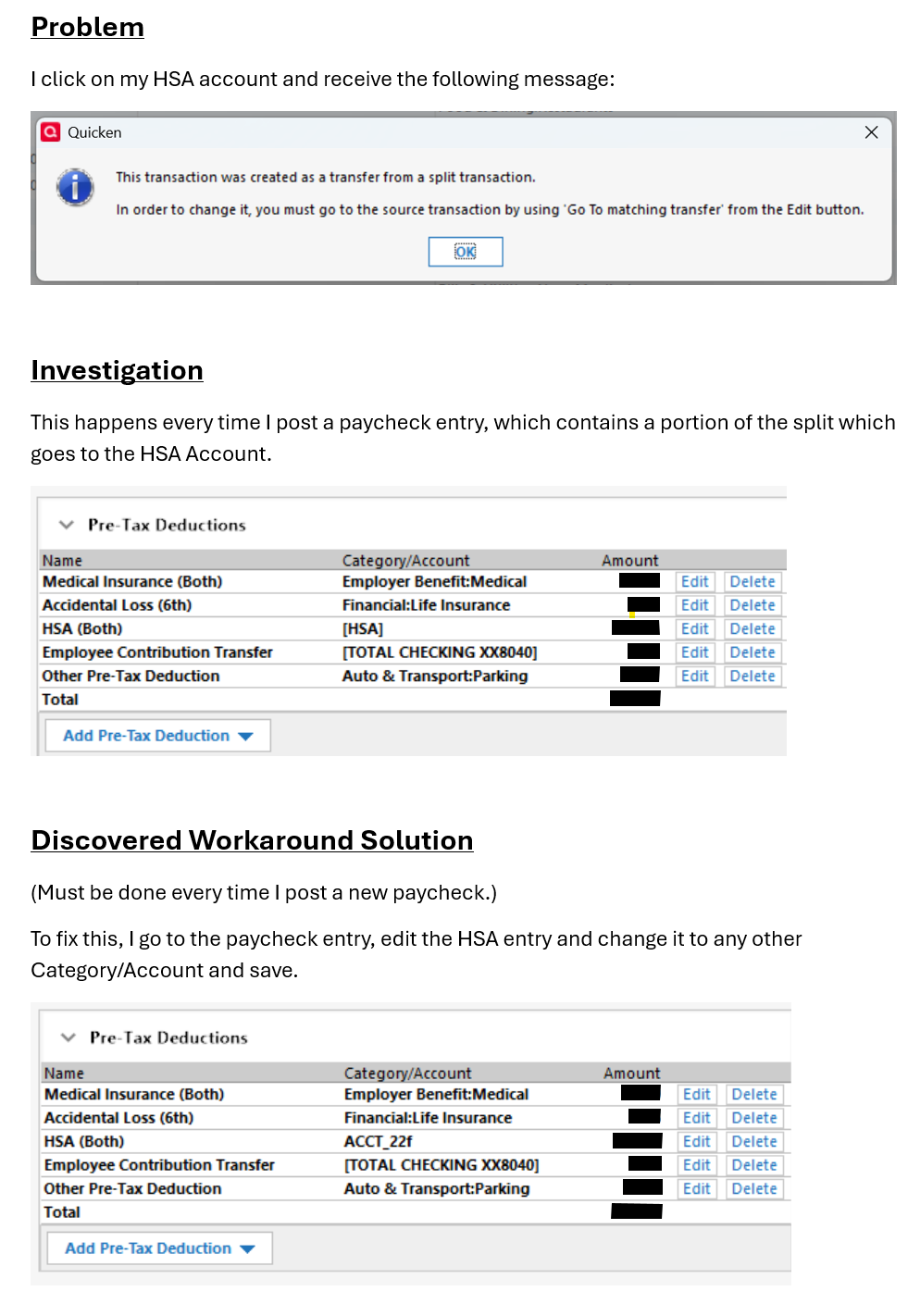
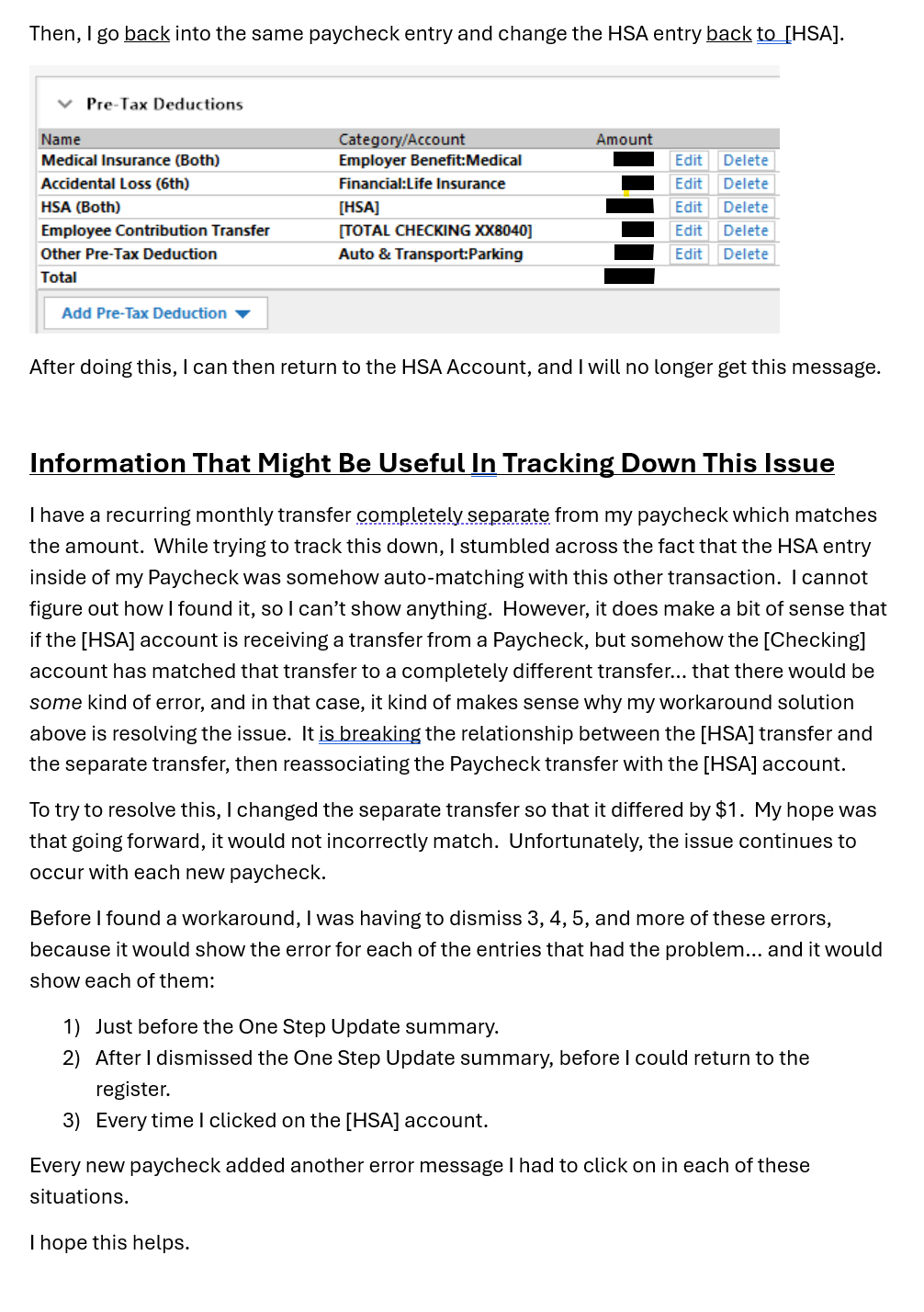
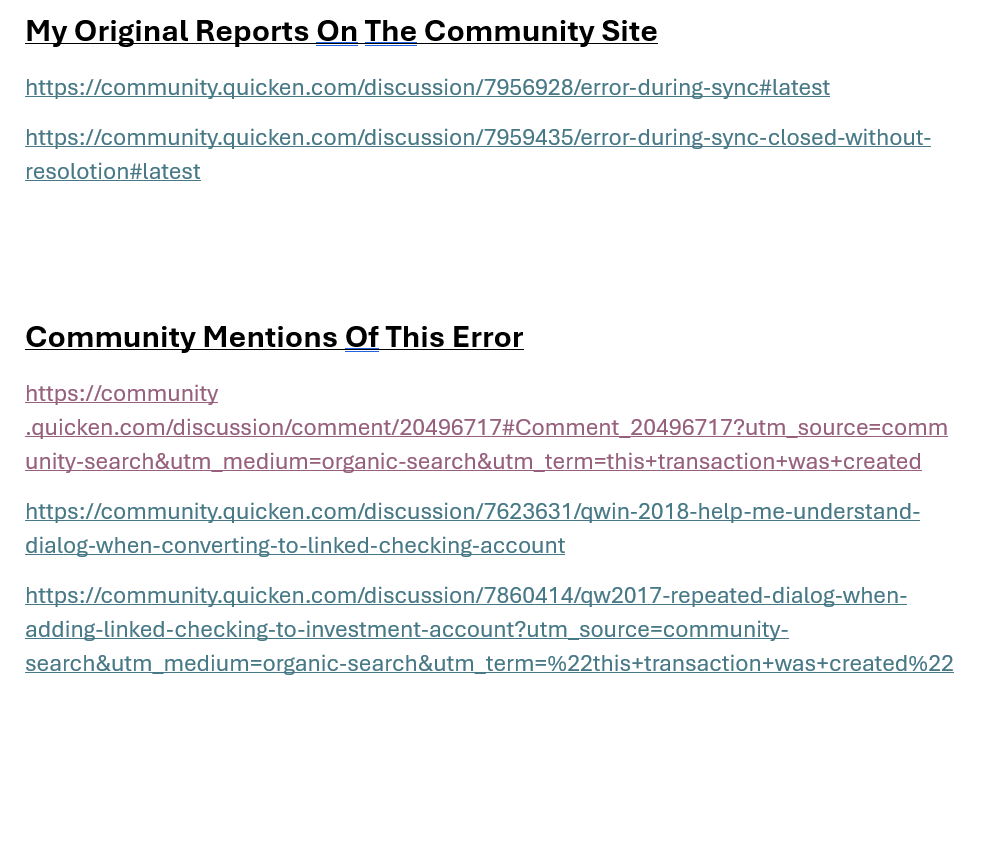
Here are the links to all of the community posts that I found calling out this error:
Comments
-
Hello @redteampython,
Thank you for sharing the detailed description of the issue and the work around you found for this issue. To clarify, does this happen exclusively with transfers to HSAs? When I review the discussions you linked, it looks like the current version of the issue started around October 2024, is that correct? The older discussions linked have a similar, but different error message and seem to be talking about a problem with linked checking accounts.
I look forward to your response!
Quicken Kristina
Make sure to sign up for the email digest to see a round up of your top posts.
0 -
Just a suggestion - change your HSA to a banking account intent (Display Option tab in Account Details), like savings or spending. If you can't do that because it purchases securities, consider adding an HSA banking account that can transfer to the HSA investment account - you can probably automate that transfer after each paycheck with Quicken. Everything in these posts points to the fact that the HSA is considered an investment account by Quicken. While it may be an investment account, Quicken may not like to place pay income directly into investments, preferring instead to have pay income go only to banking accounts and transfers only to/from banking and investing. Quicken may only check the initial bulk transfers and not any later edits, which would explain why your workaround works. Another way to look at this: your paycheck is having your company's bank send money to your investment account, HSA, but Quicken won't (can't?) do that in one step. First the paycheck has to go to the bank, and only then can it get transferred to an investment account, in Quicken's world. I bumped into a Quicken transaction limitation in a different investment area (single mutual fund accounts) and ended up creating a fake category, as I suggested above, to perform the necessary financial moves. Good Luck!
0 -
@Ducksoup_SD - Good thought, but it has no problem with my 401k.
@Quicken Kristina Yes. Only the HSA.
1 -
Could this be a timing issue?
For example, you are trying to accept a downloaded transaction into the [HSA] account BEFORE you have recorded your paycheck into the Checking account register (which also records the proper matching transfer to HSA)IMHO, Scheduled Reminders should always be recorded into their registers BEFORE a transaction download contains transactions matching to reminders.
0 -
Here's another odd troubleshooting suggestion: temporarily change your HSA account name to a longer name (like HSA8char or ?). The name you switched to, to make things work, is 8 characters long, while HSA is a 3 character name, the shortest allowed (typically) in names. Perhaps there is an issue, somewhere in Quicken, with such a short length name. Note that all of your other accounts and categories are much longer than 3 characters, too. This would be an easy thing to try, on your end, before Quicken has a solution.
0